#Blocktober
What is Blocktober?
Blocktober is a level design event that occurs every October, over the month level designers will start a project and share progress as they go.
When this event ran in 2023, I decided it was a good opportunity to brush up on my block-out skills. So I challenged myself to create 12 separate level block-outs throughout the month (three per week) as a means to be creative and get some practice with Unreal Engines tools.
I used an engine plugin called ‘blockout tools’ (after Level 1) which gave me a little bit more flexibility on the shapes I could create.
Adhering to a Scale
Of course, one of the main caveats with these block-outs and a huge part of level design is incorporating gameplay into the designs.
So to make sure I was adhering to some king of rules, I made sure all levels were walkable and to scale with Unreal Engines default player character. While also making sure my work was snapped to grid to avoid any Z-fighting, or issues with normals on the geometry.
Project Logistics
Team Size
Platform
Solo
PC
Level 1
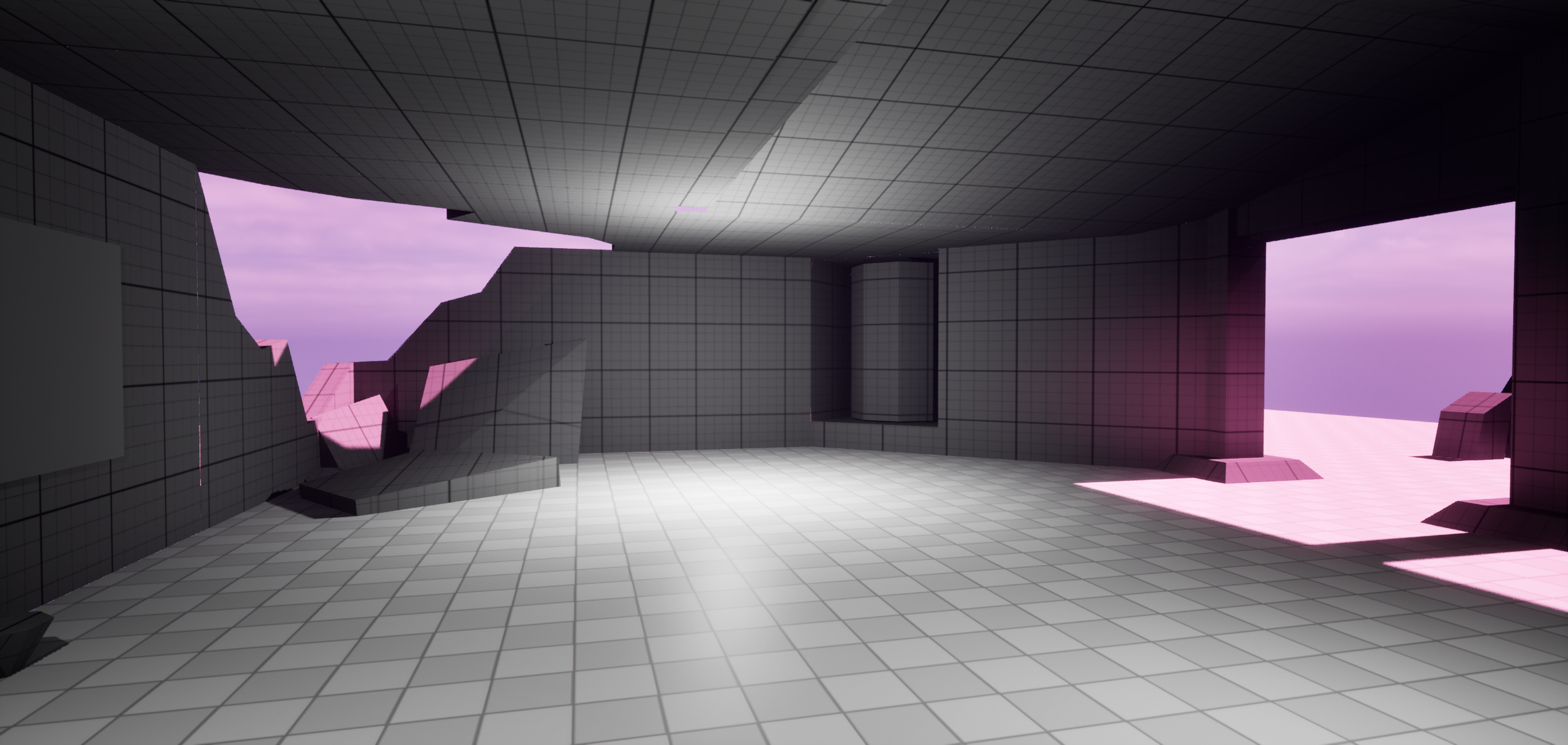
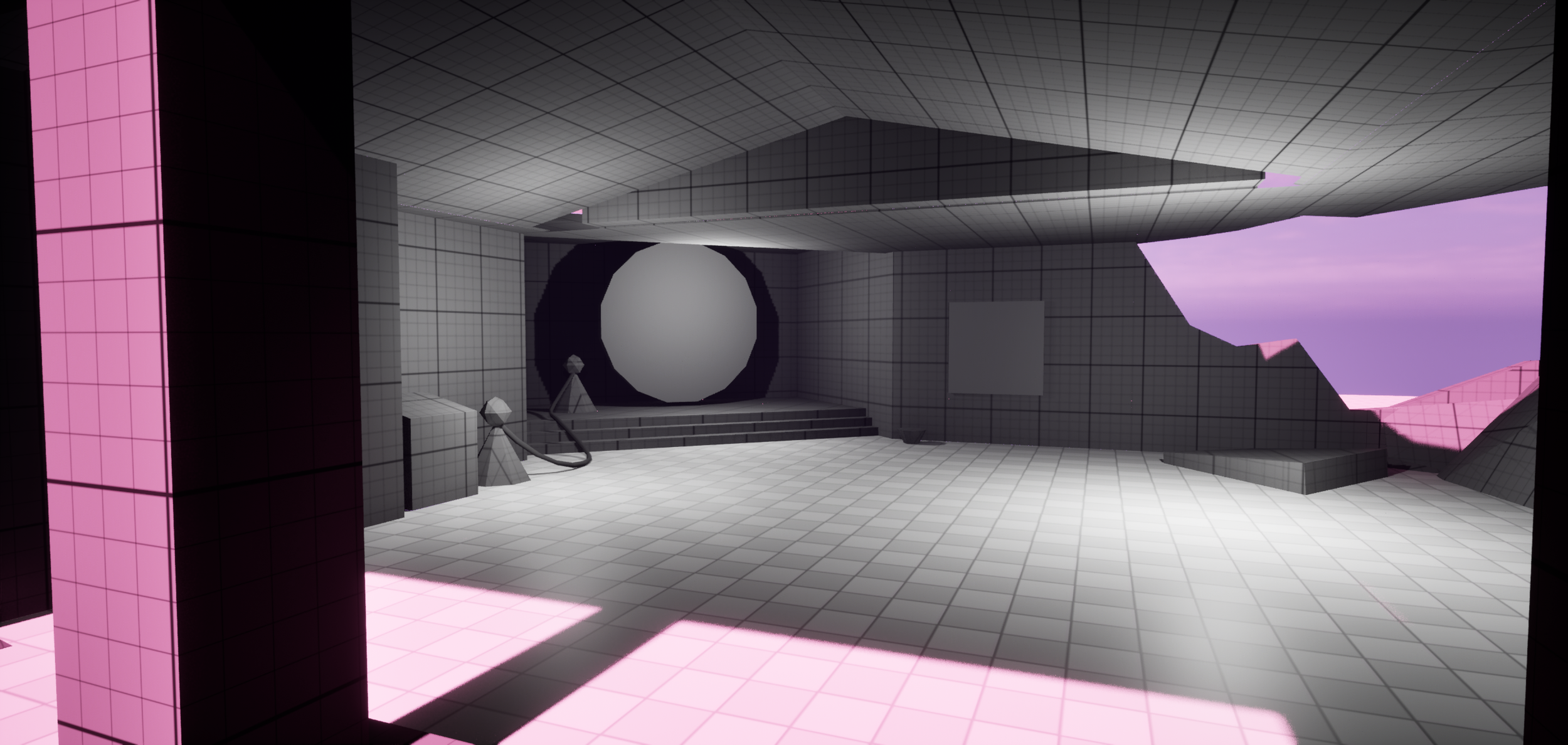
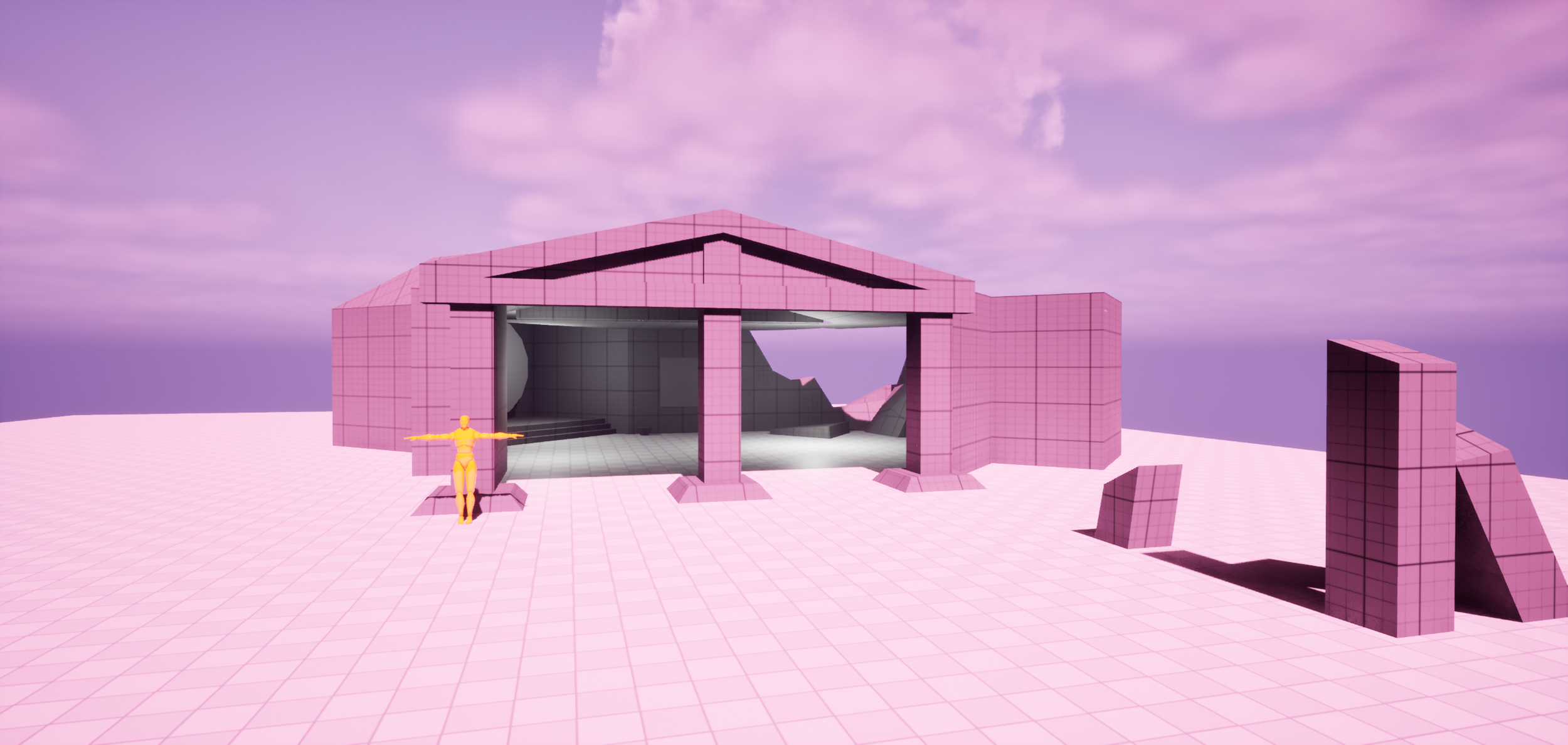
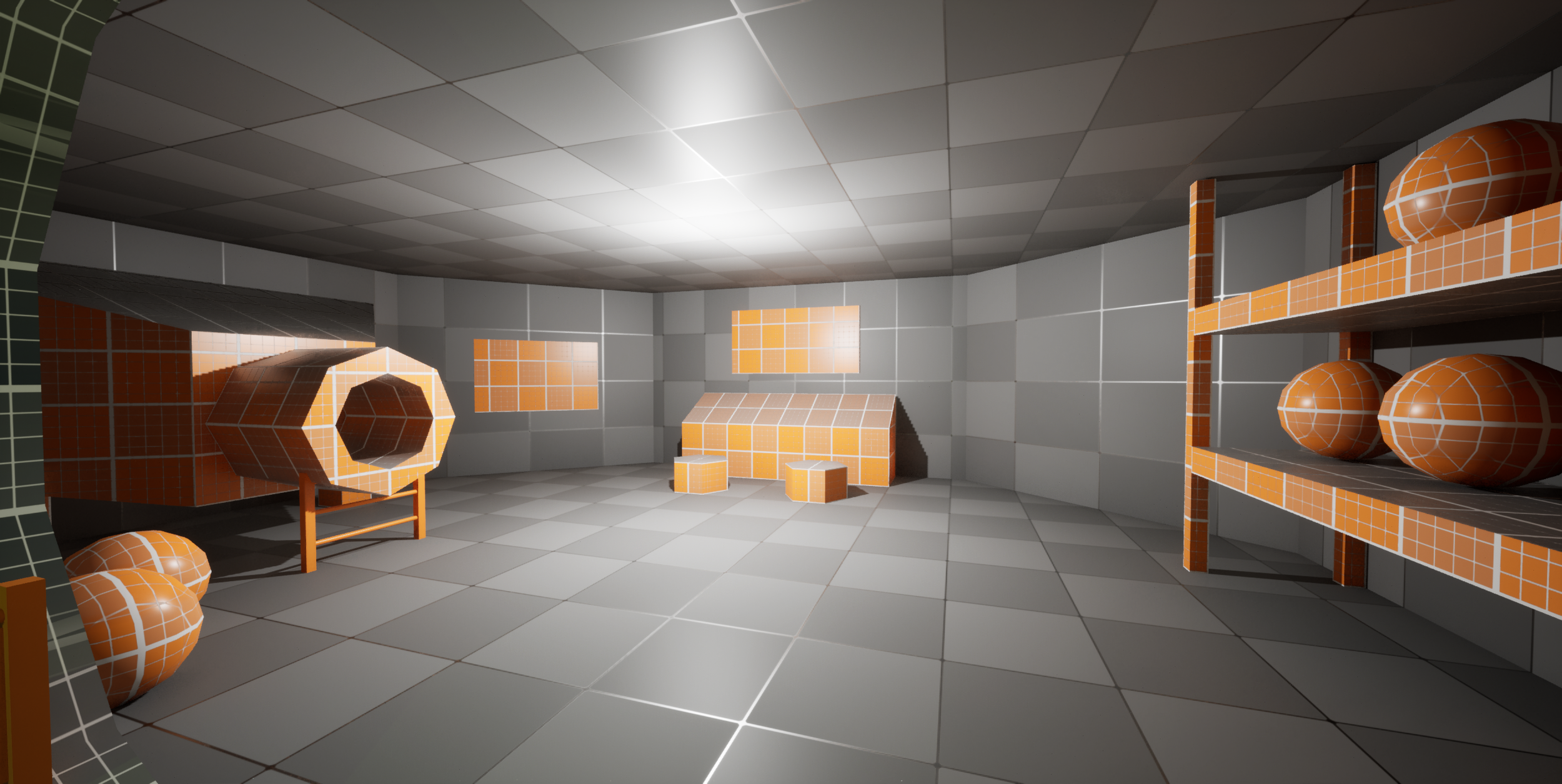
I quickly learned that Unreal Engines default blockout tools were quite cumbersome. A lot of the time spent on this level was getting back to terms with Unreal Engine. I prefer the interior of this level, it was set up to be some sort of portal room.

Duration


4 Weeks
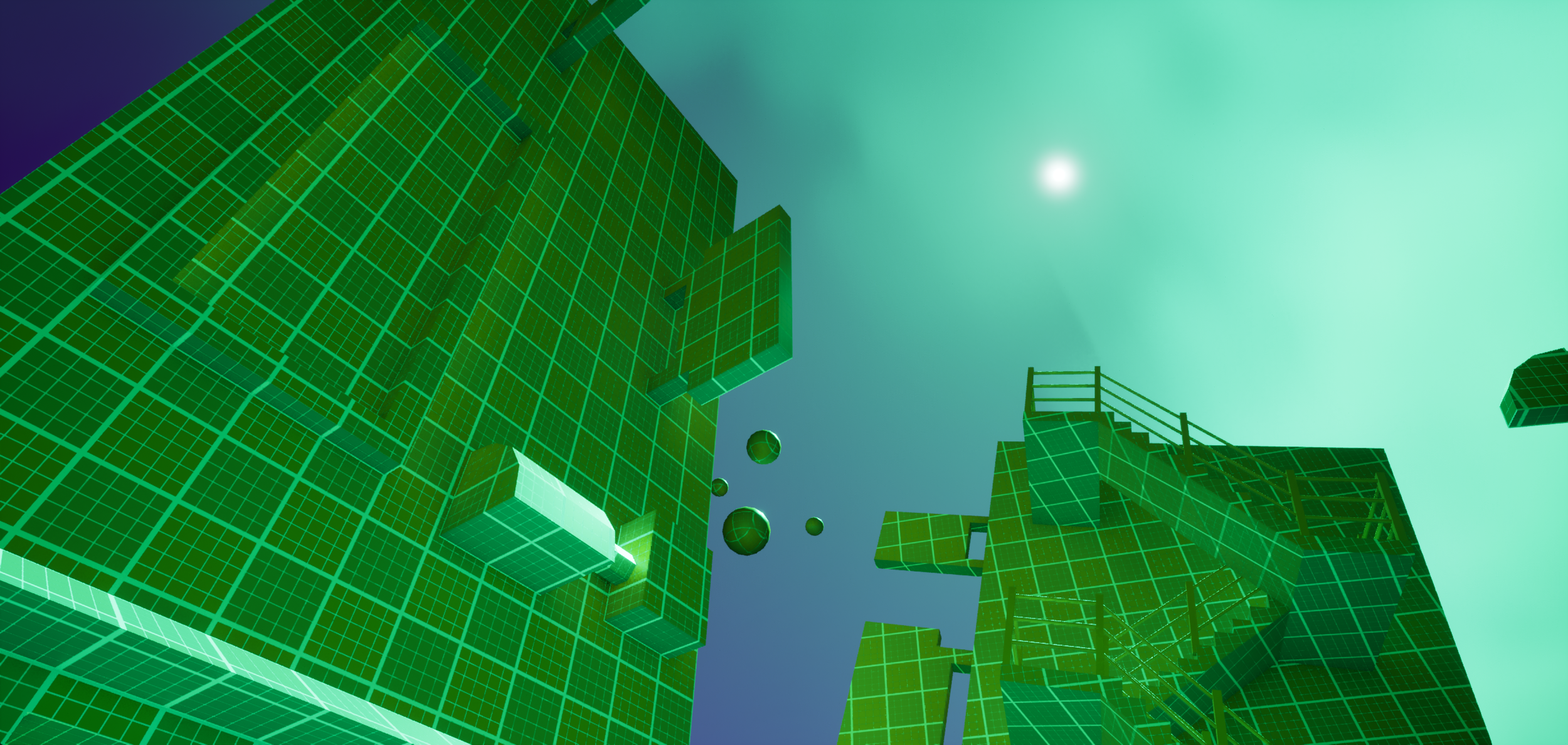
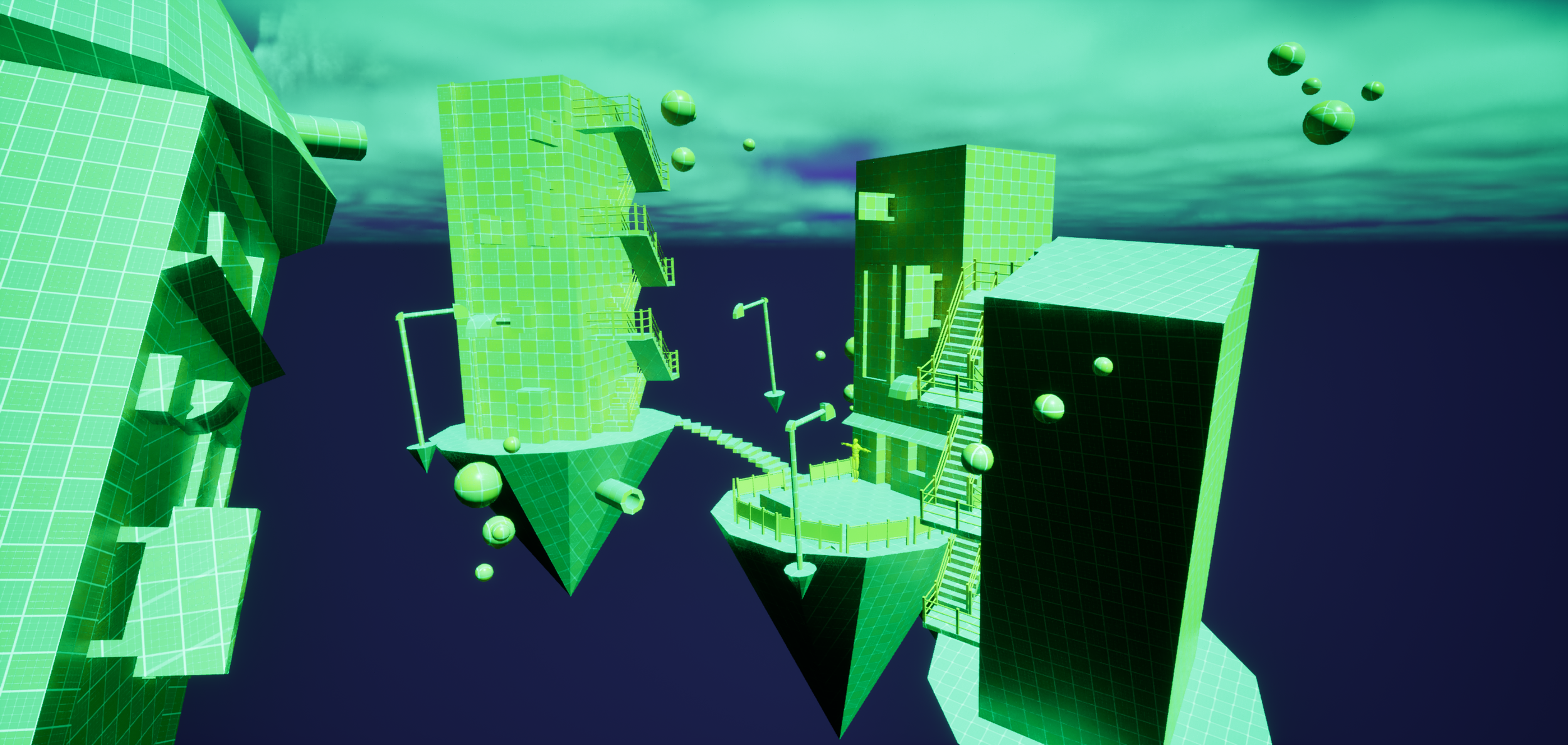
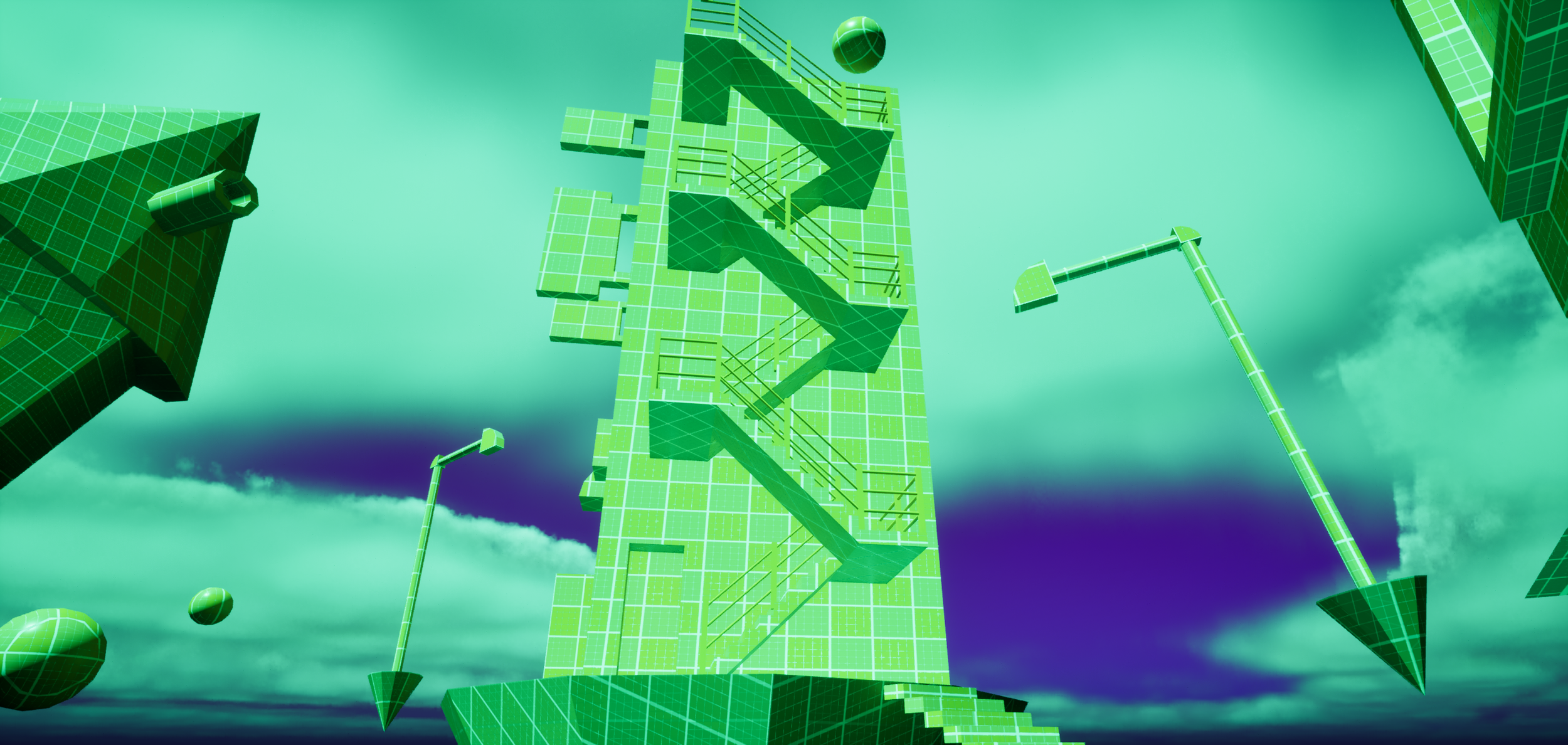
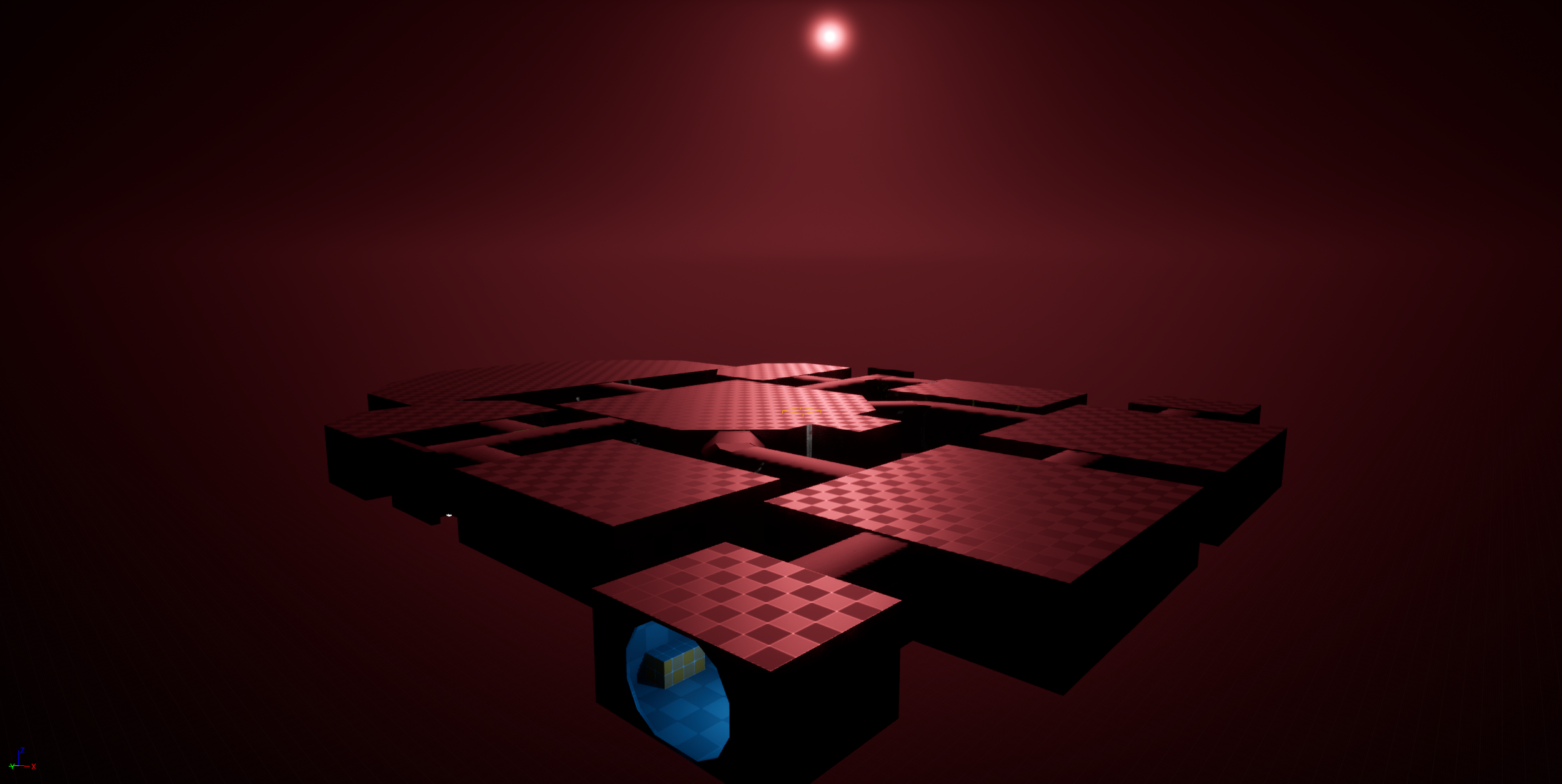
Starting with level 2, I started using the ‘blockout tools’ plugin. I spent a good amount of my time getting used to the assets and engine changes, but overall it really sped up level design process. The inspiration for this level was some kind of ‘digital dimension’, based on the ‘Vex Network’ from Destiny 2.
Level 2
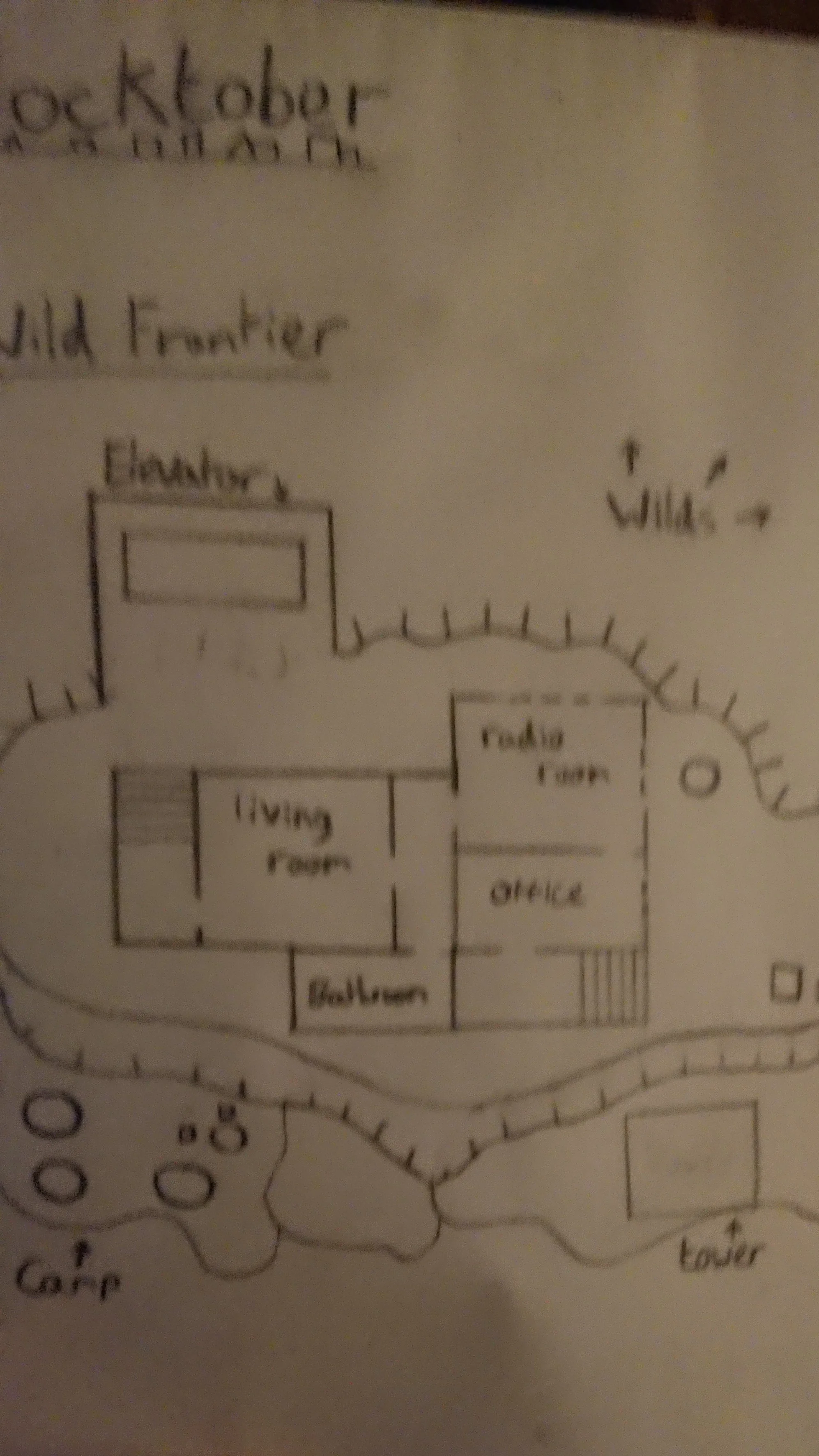
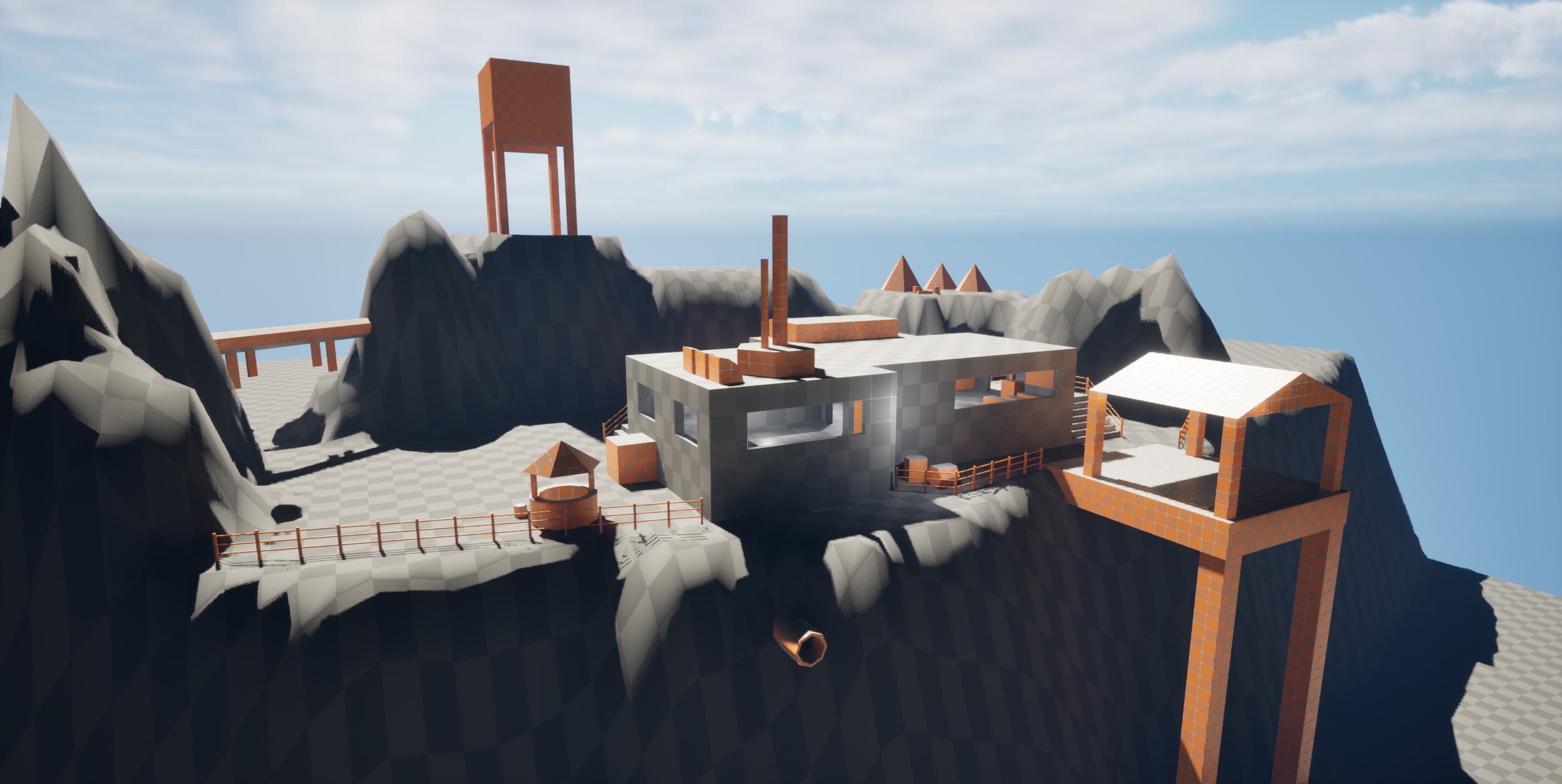
Now that I was getting used to the tools, I started drawing out my plans for levels on paper to create more exciting vistas to design. All of the levels created followed a theme that was drafted at the start of the project, this one being ‘Wild Frontier’. I wanted to capture the feeling of looking out toward the wilds from a cliffside radio station, a sort of final point of contact before leaving civilisation and into wilds.
Level 3
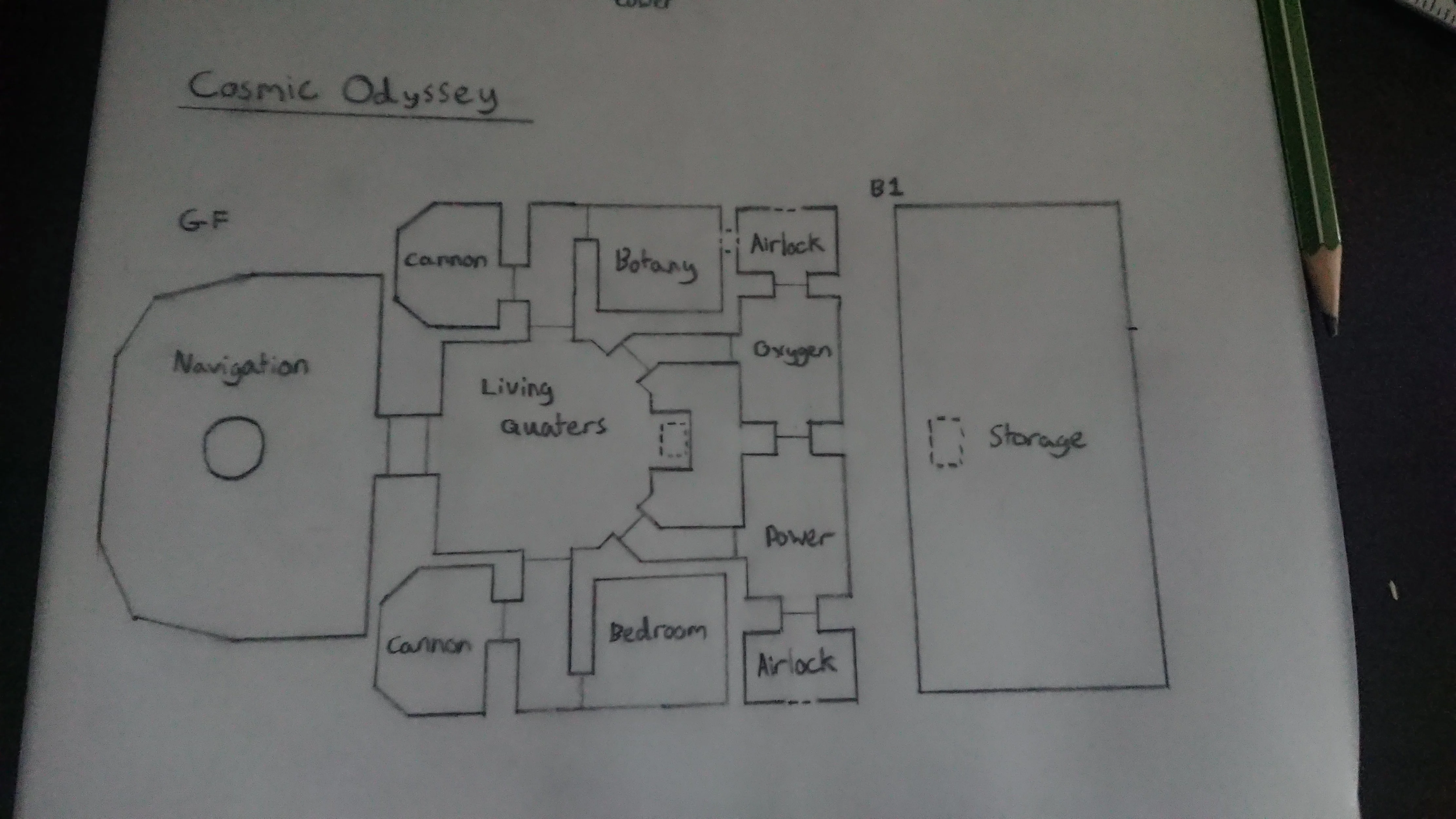
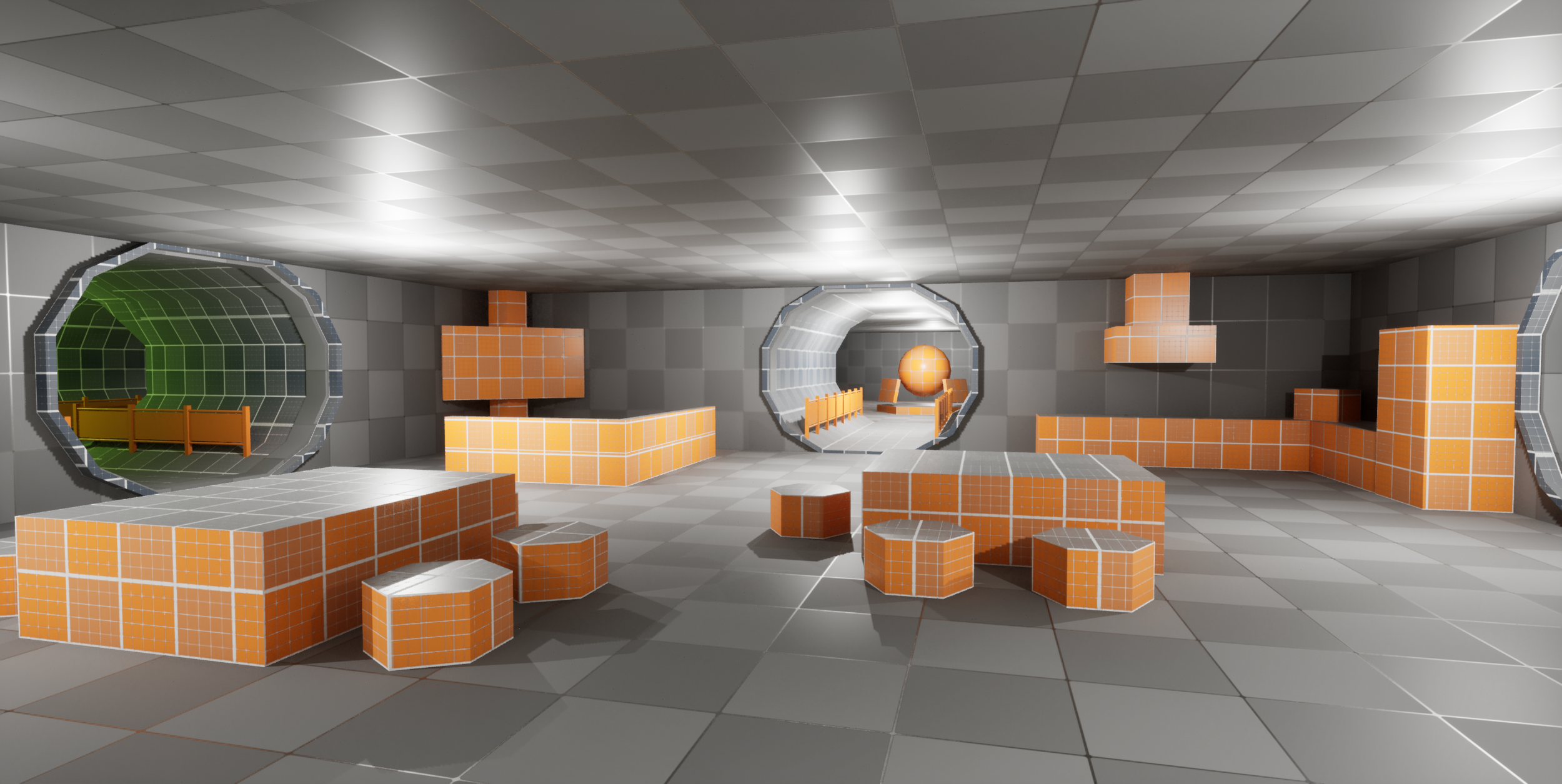
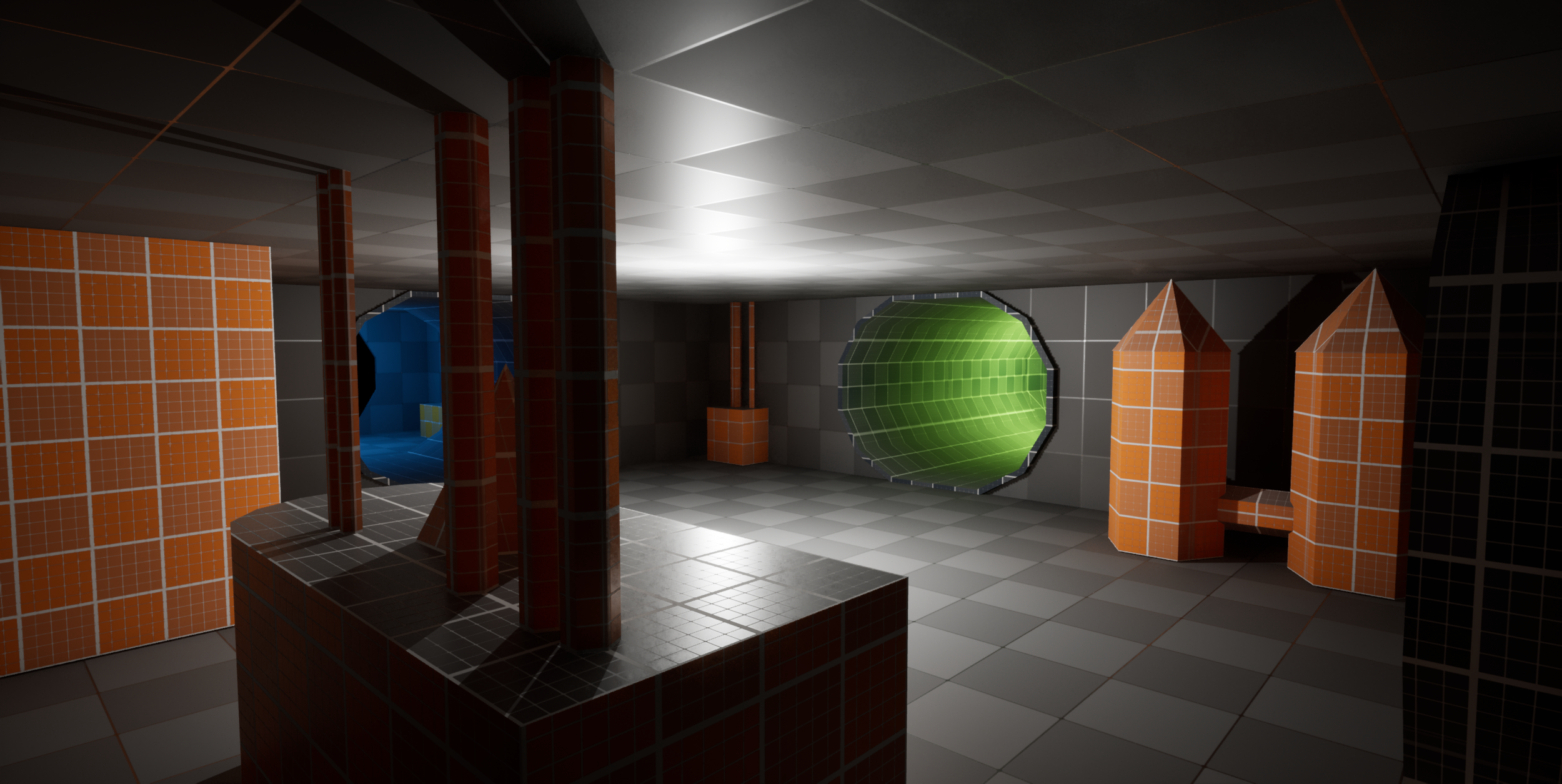
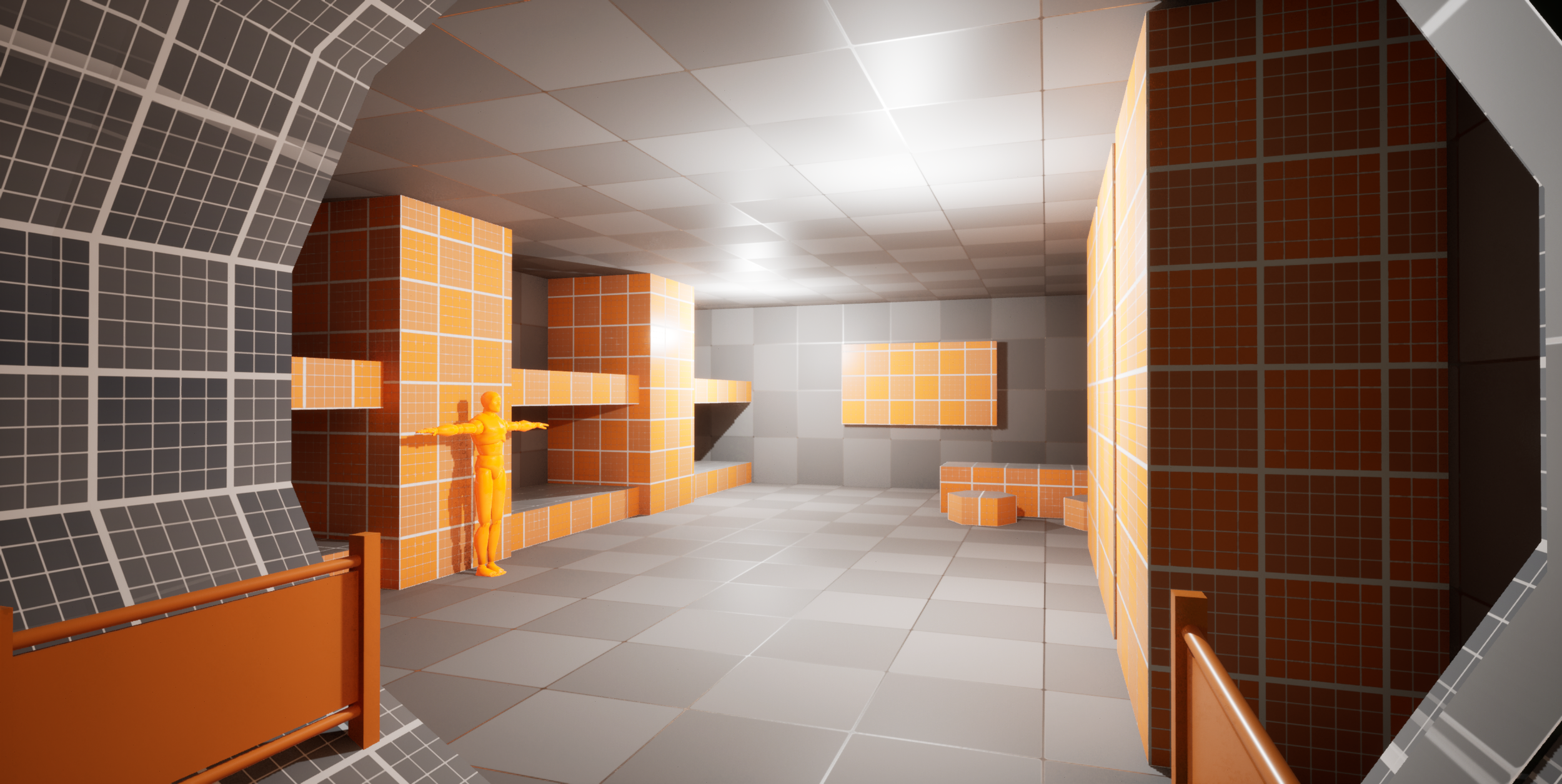
For this level, I wanted to practice interiors and symmetry. Designing a believable star-ship inspired by FTL: Faster than Light in how the rooms are laid out. This was much bigger in scope than any of the previous levels so it took a lot of time to complete and start populating. I think the blockout itself was a little bit flat in the end, going forward I wanted to make sure I was taking advantage of height to make my designs more interesting.
Level 4
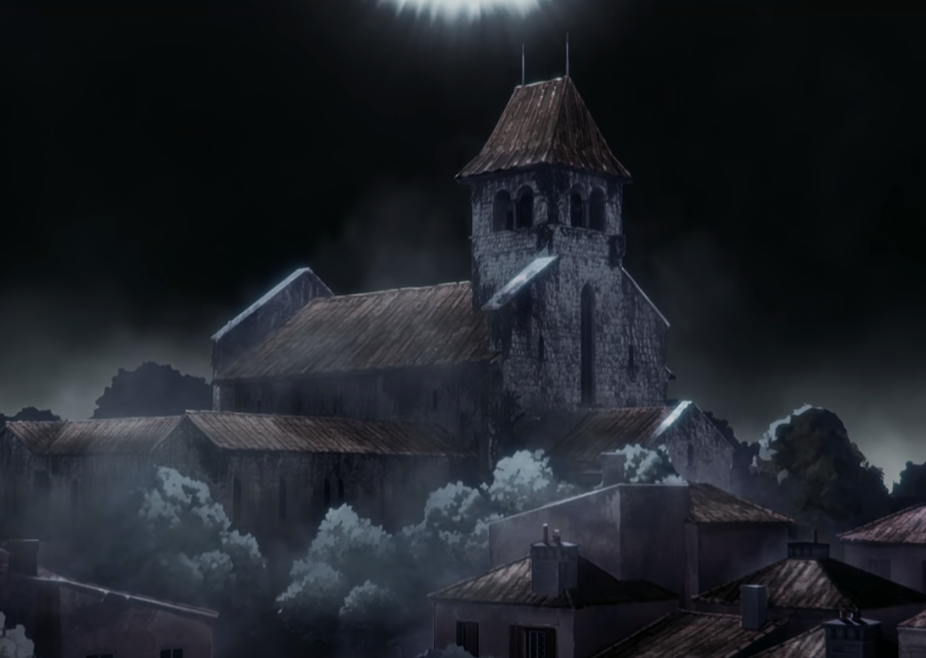
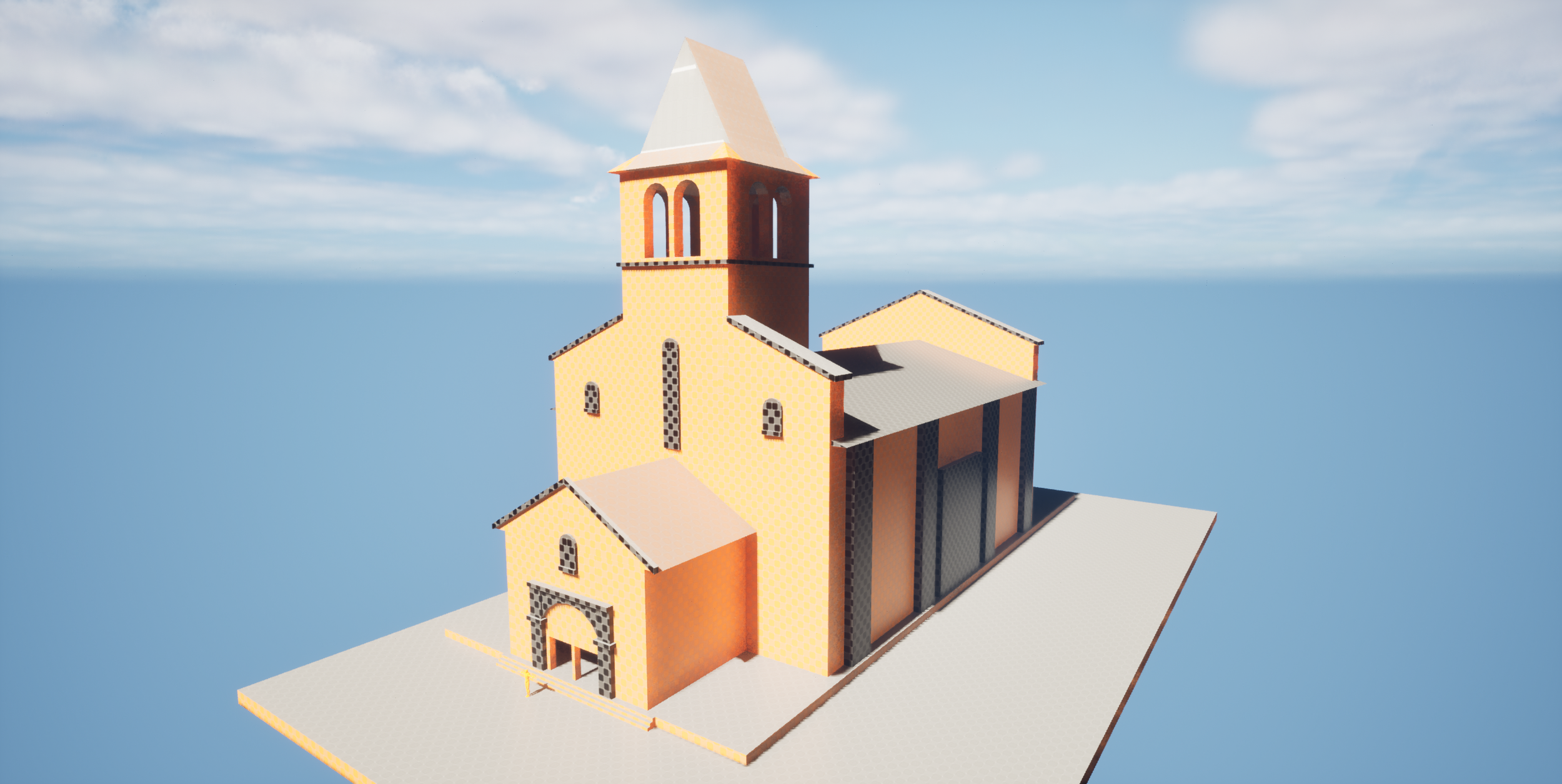
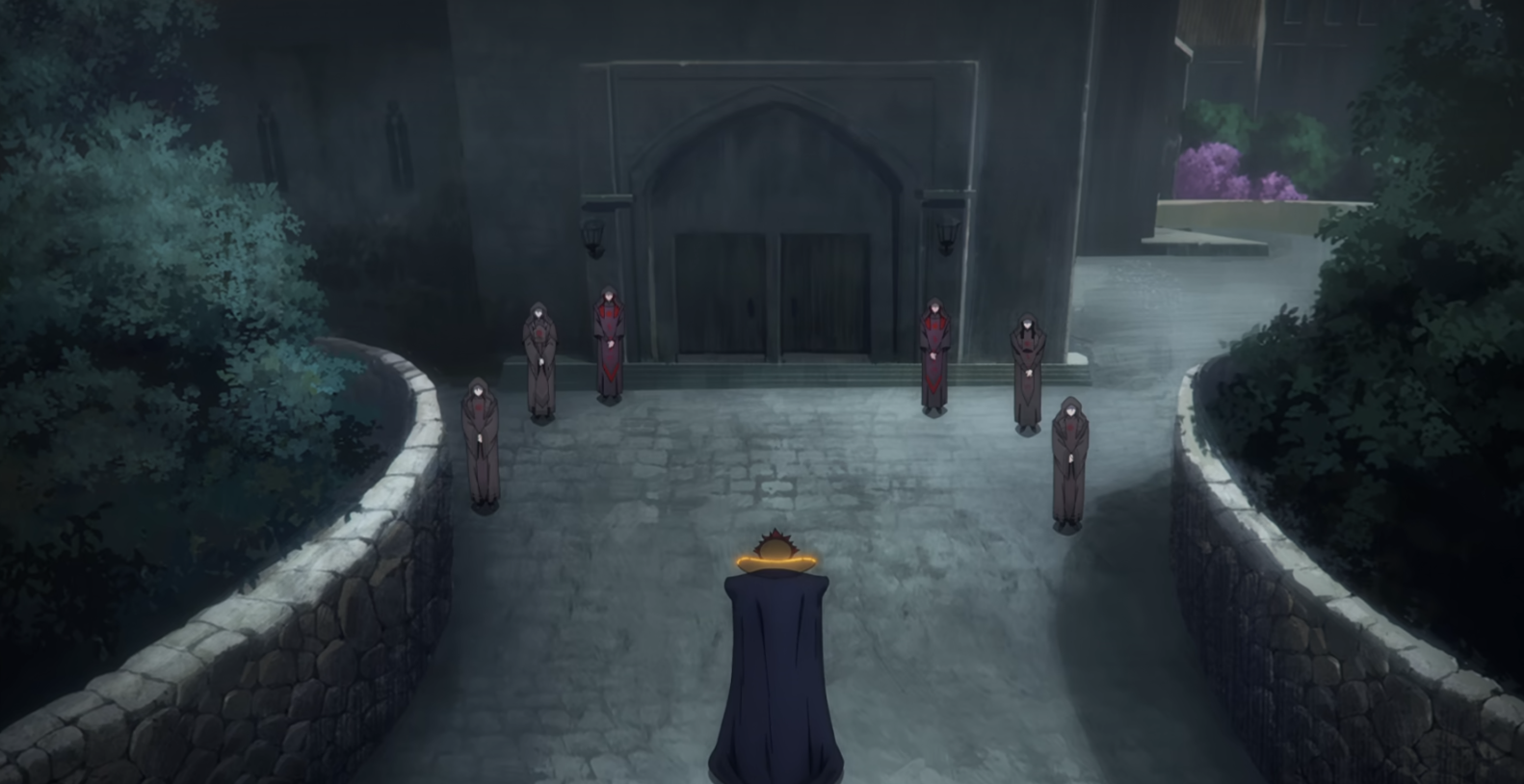
After creating a big interior, I decided to create an exterior blockout, something that was quite massive and would act as a vista or centrepiece within a games level. At the time I was watching Castlevania: Nocturne, where a lot of the first season focuses on the church in the centre of Machecoul. So I grabbed some reference images from the show to get the correct shape and size by looking at characters next to the front doors. Then I blocked out a replica building to the correct scale, I think it came out really well!
Level 5
Level 6
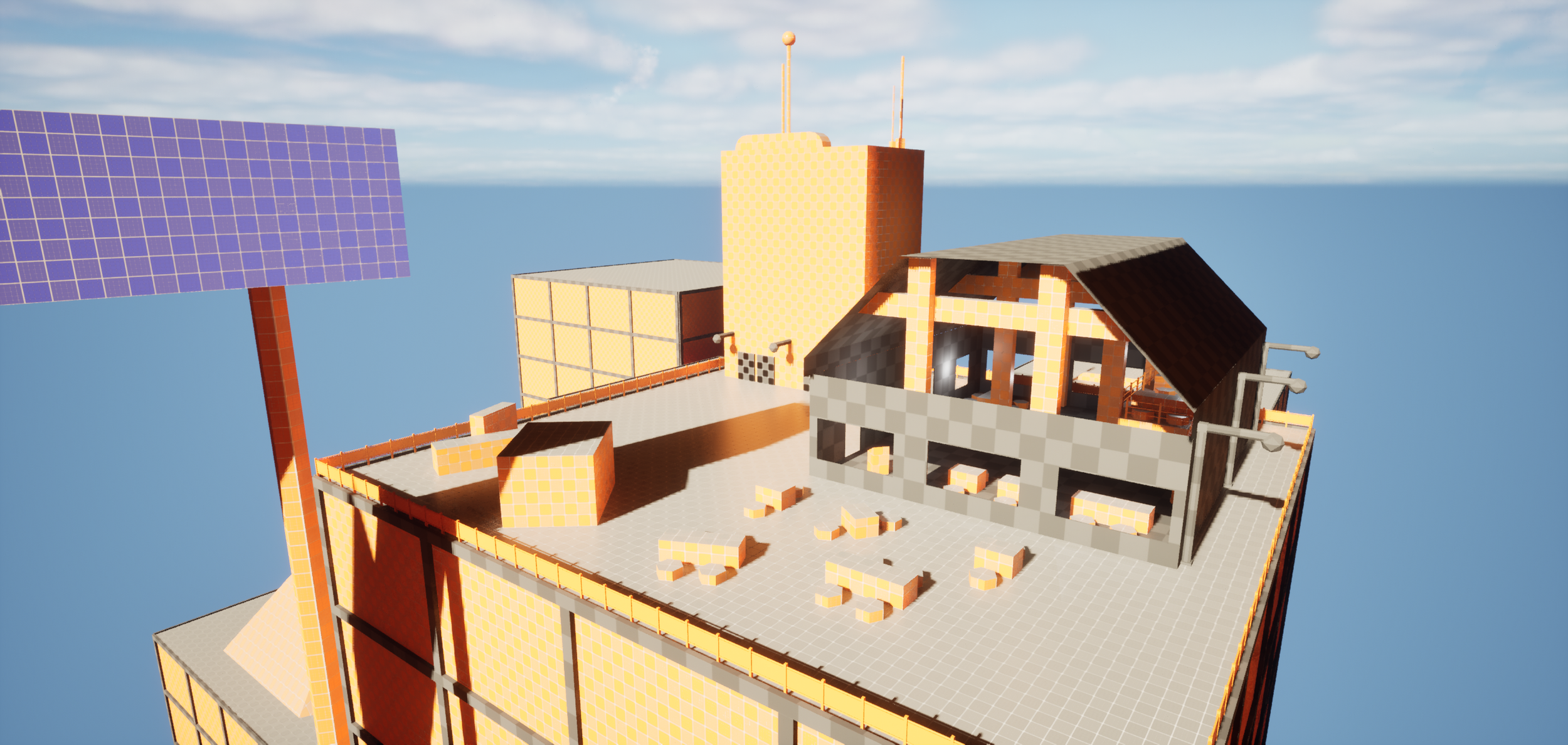
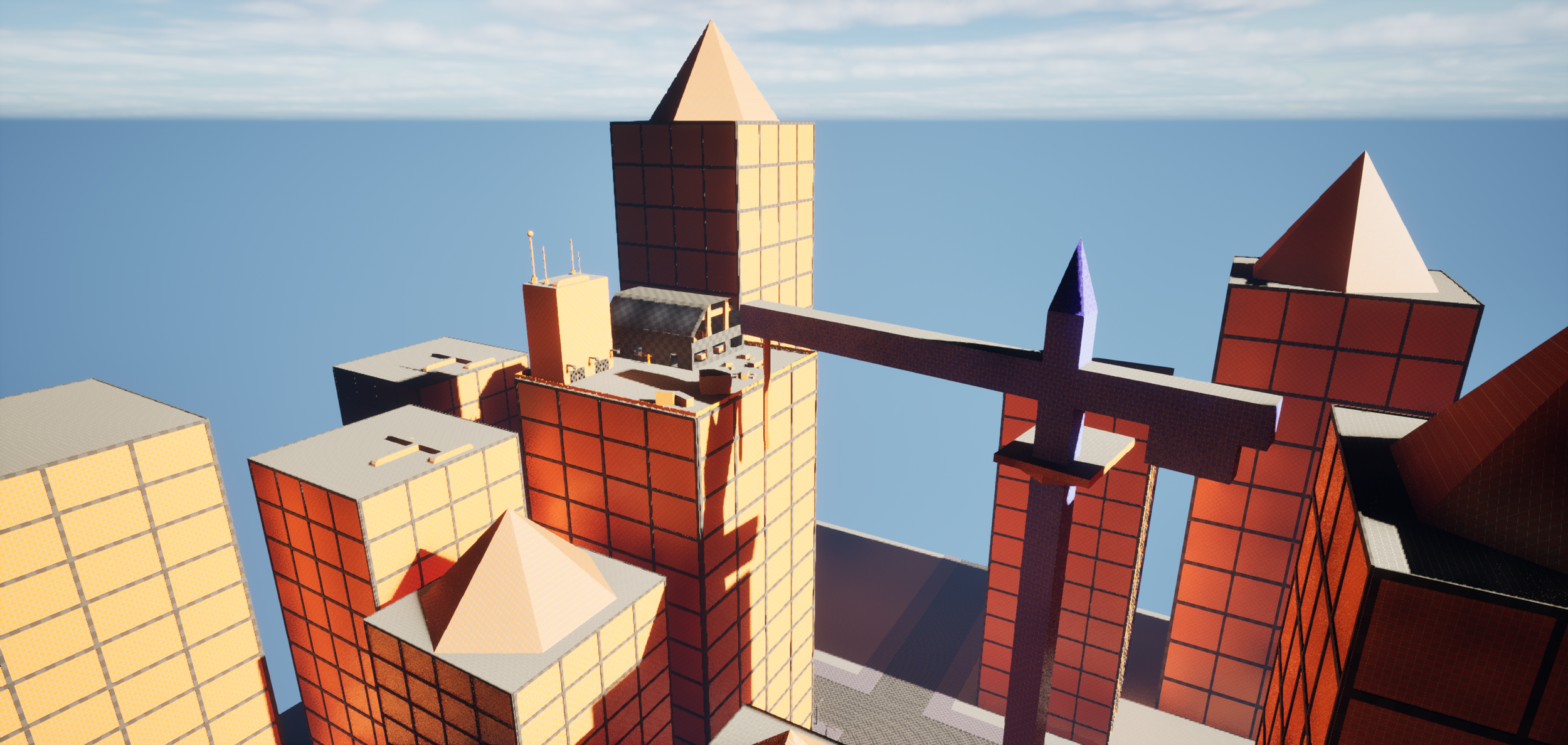
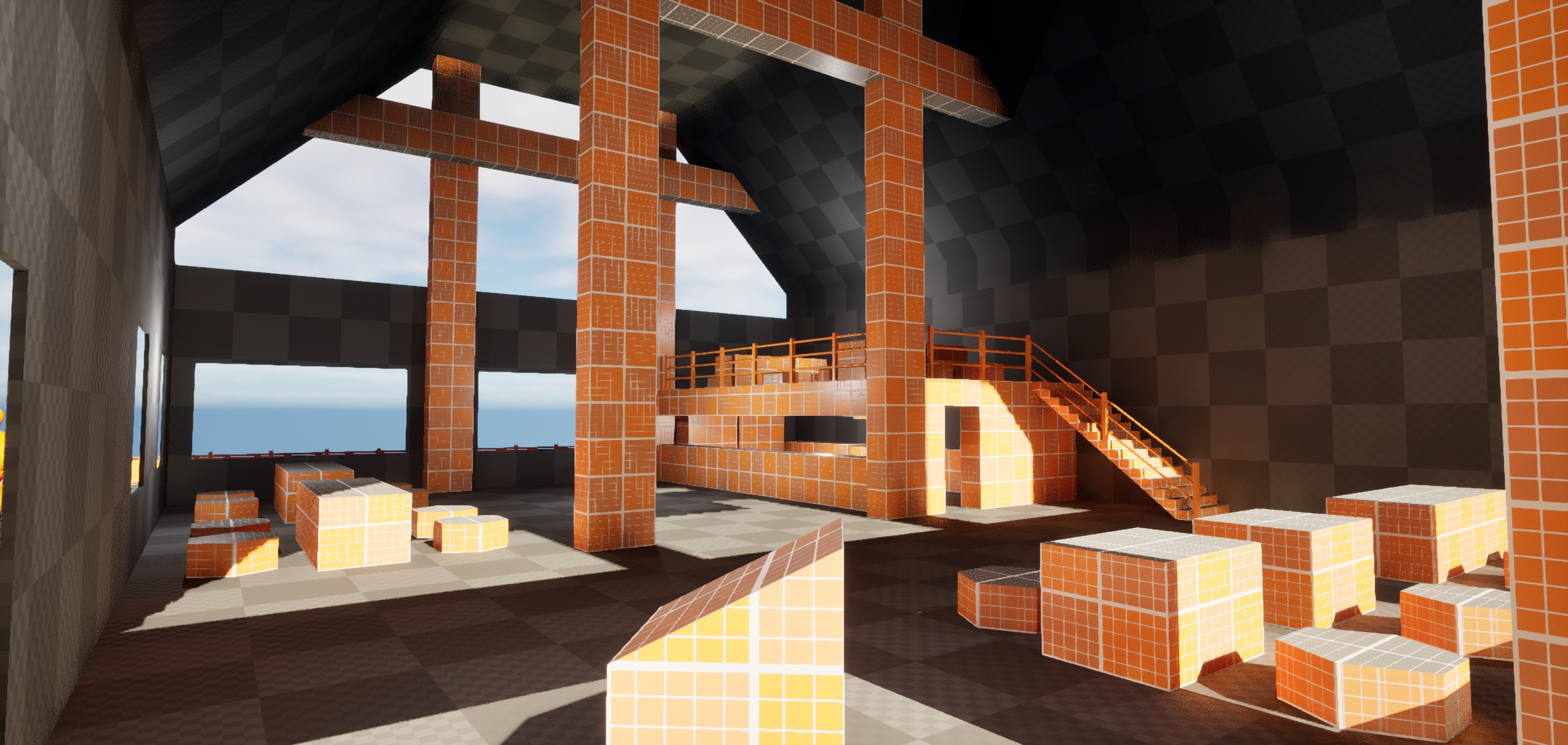
This level is meant to use the environment around it to give additional context, after getting some practice in with exteriors and interiors I wanted to try a combination of both to gauge my improvement. Overall I think this block-out is decent, though the smaller building on top of the skyscraper is a bit of a strange shape from the outside, but feels very cool and immersive from the inside.
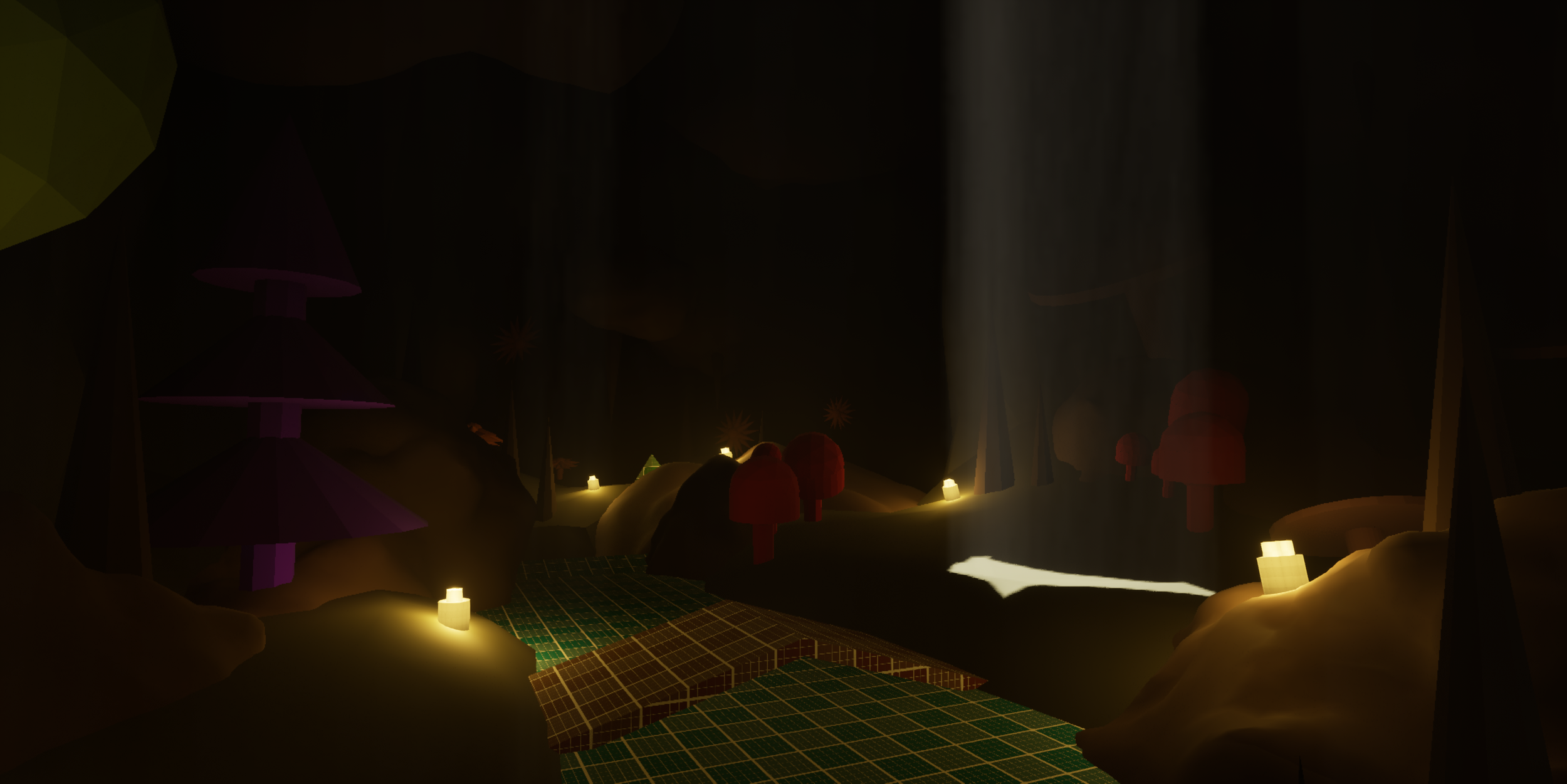
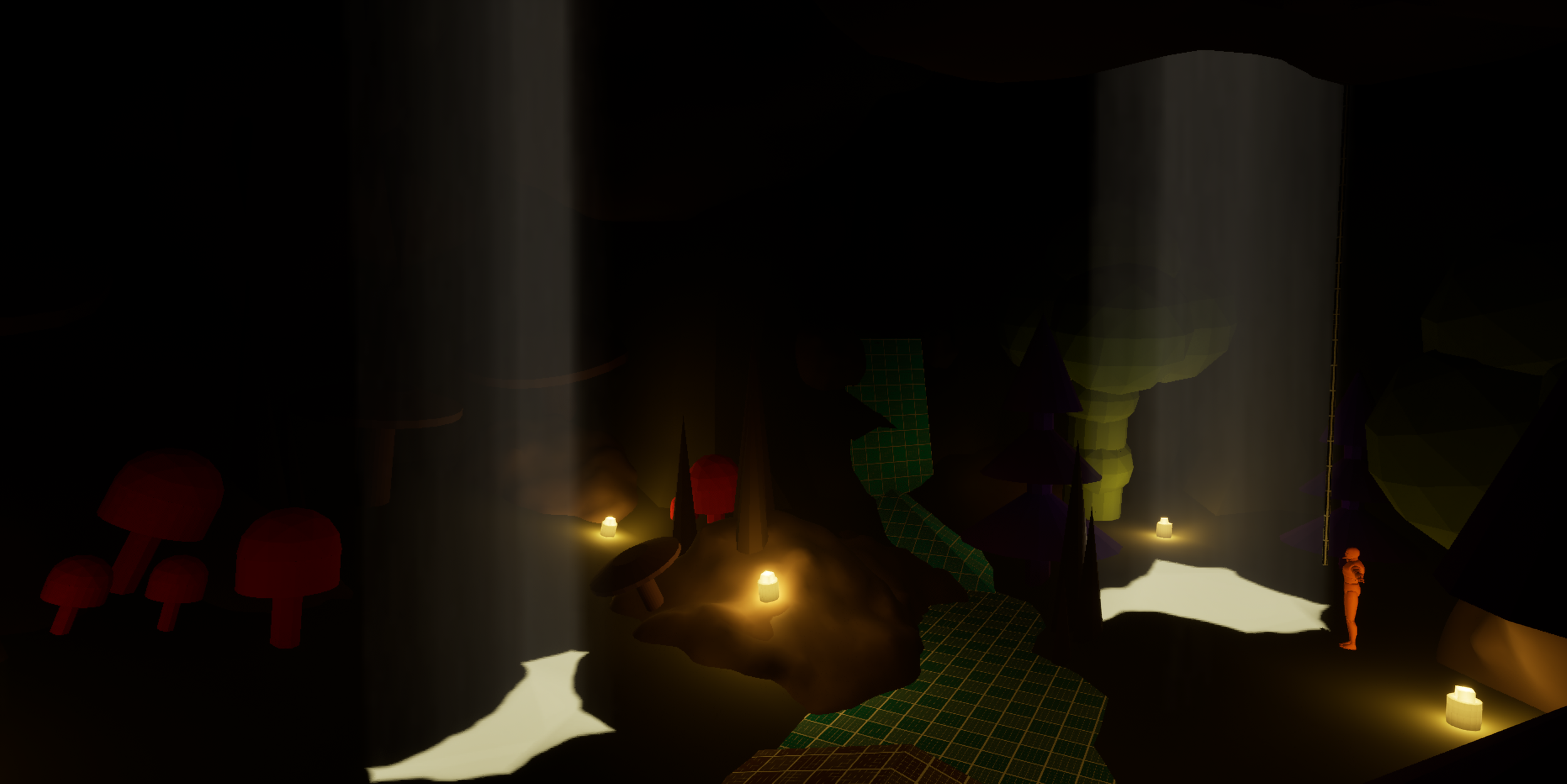
With my block-outs so far I was still using basic shapes to construct them. I wanted to start using the modelling tools in Unreal to create special assets or terrain such as rocks or cave walls. Inspired by how caves look in Deep Rock: Galactic I wanted to make use of light shafts to create a dark and immersive environment. This level is one of my favourites from the bunch.
Level 7
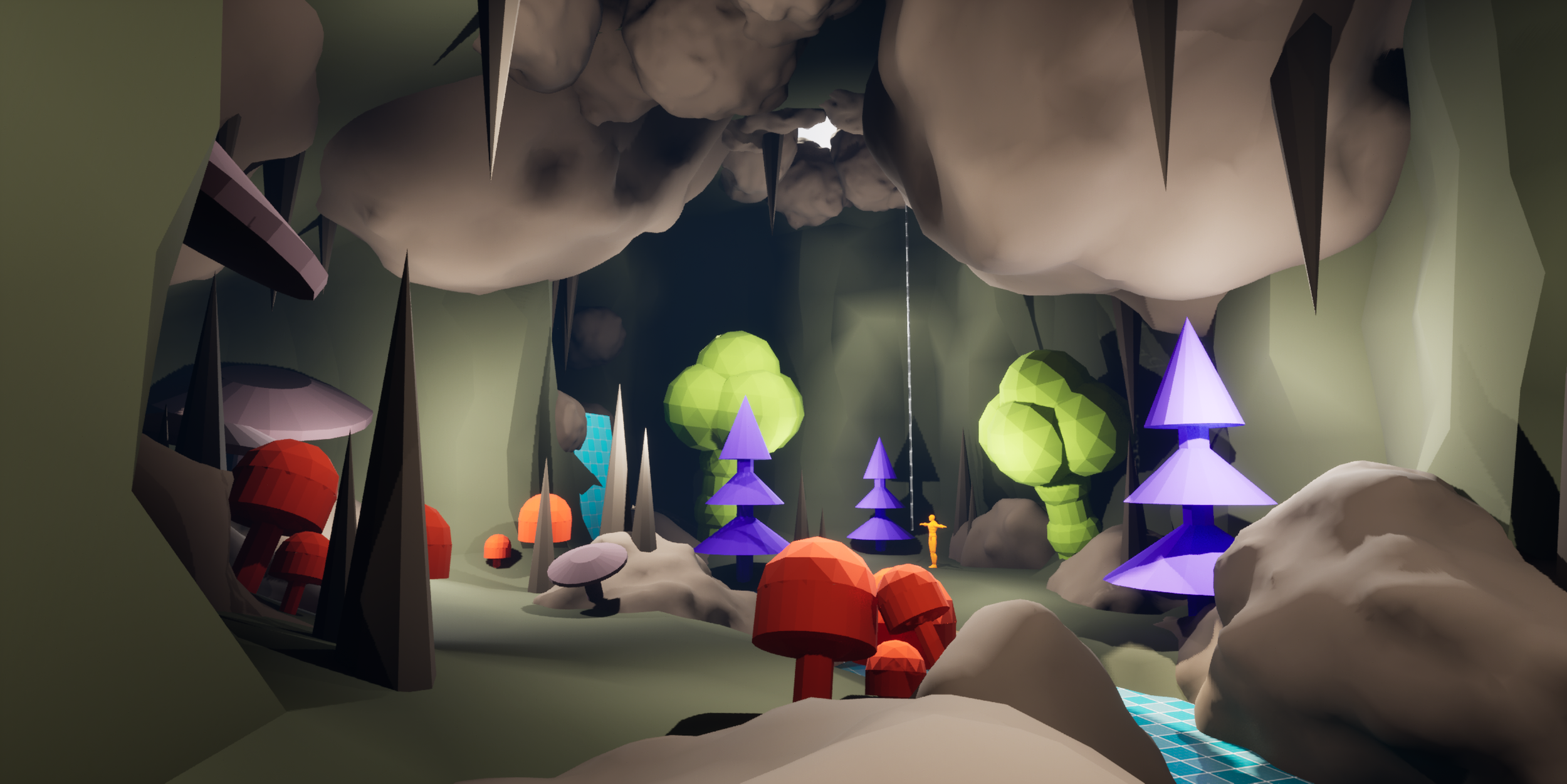
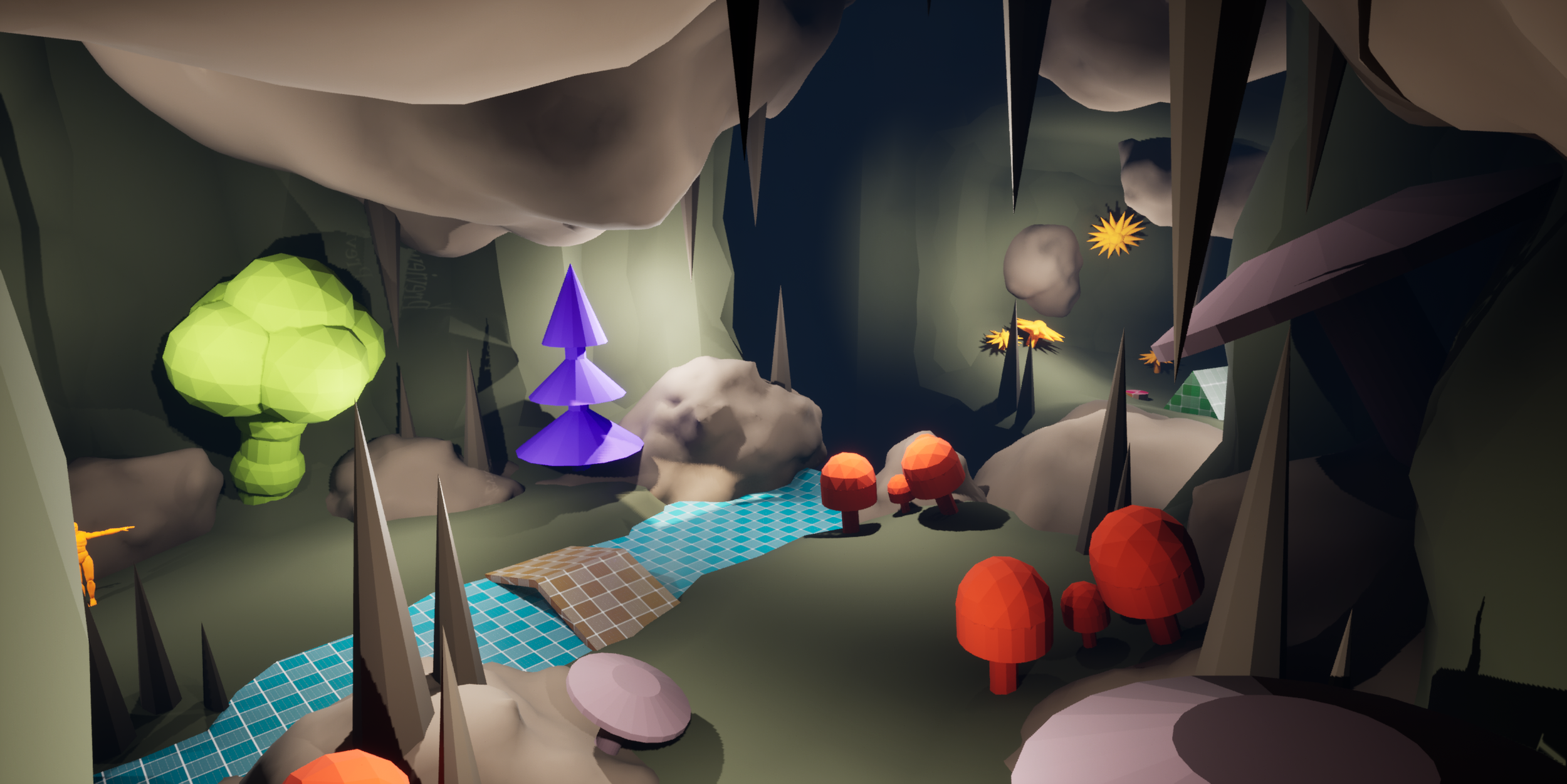
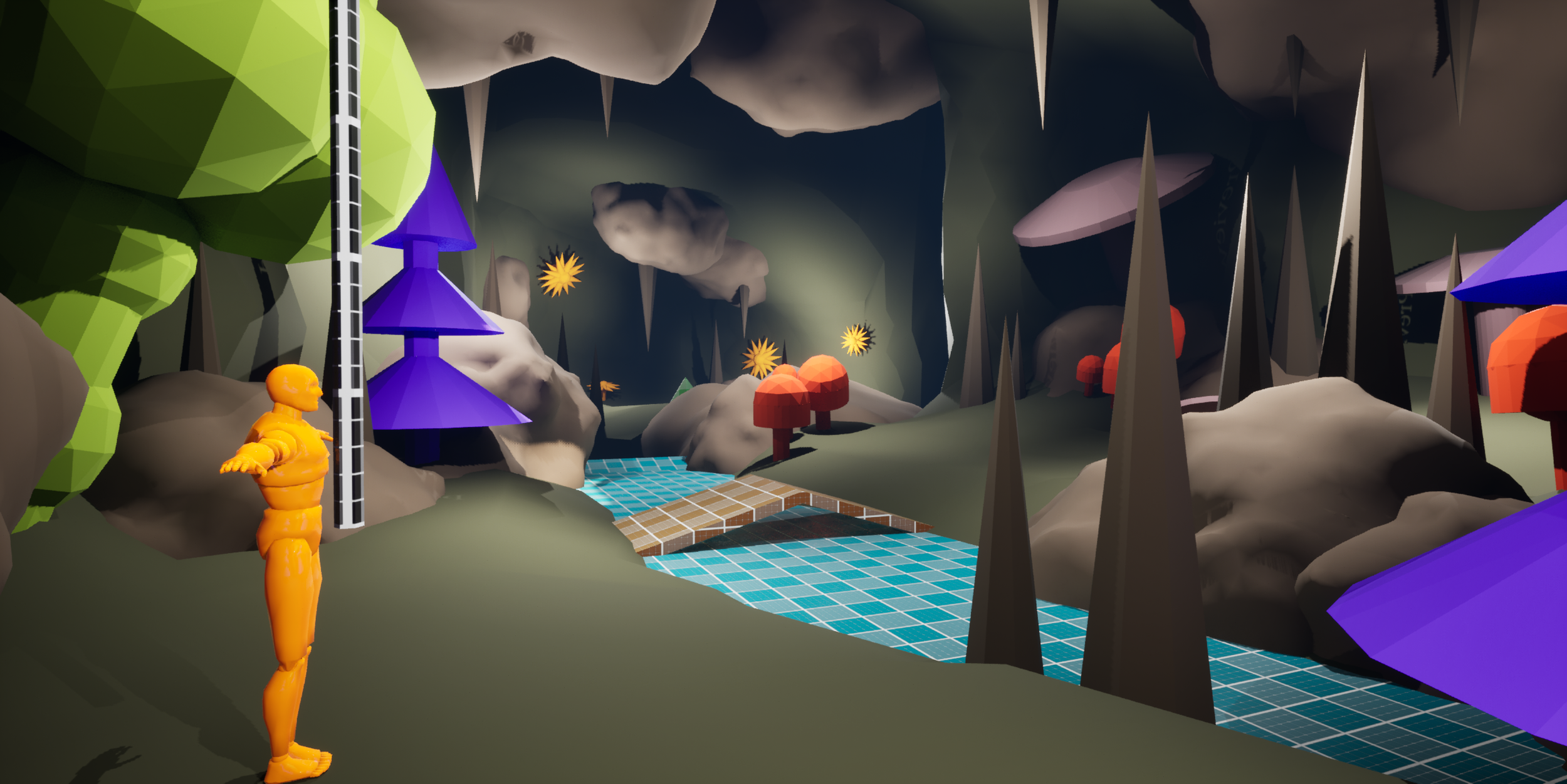
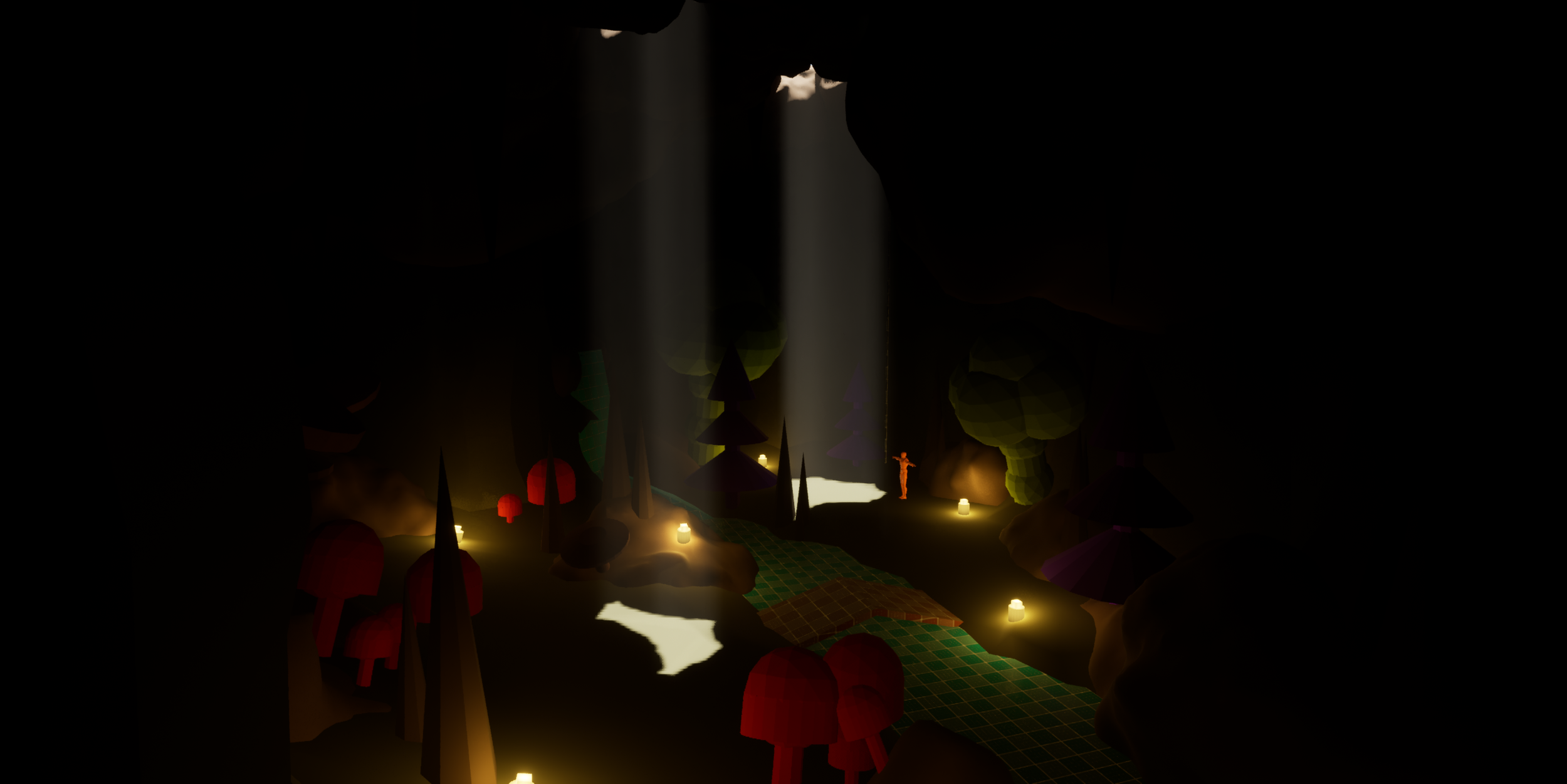
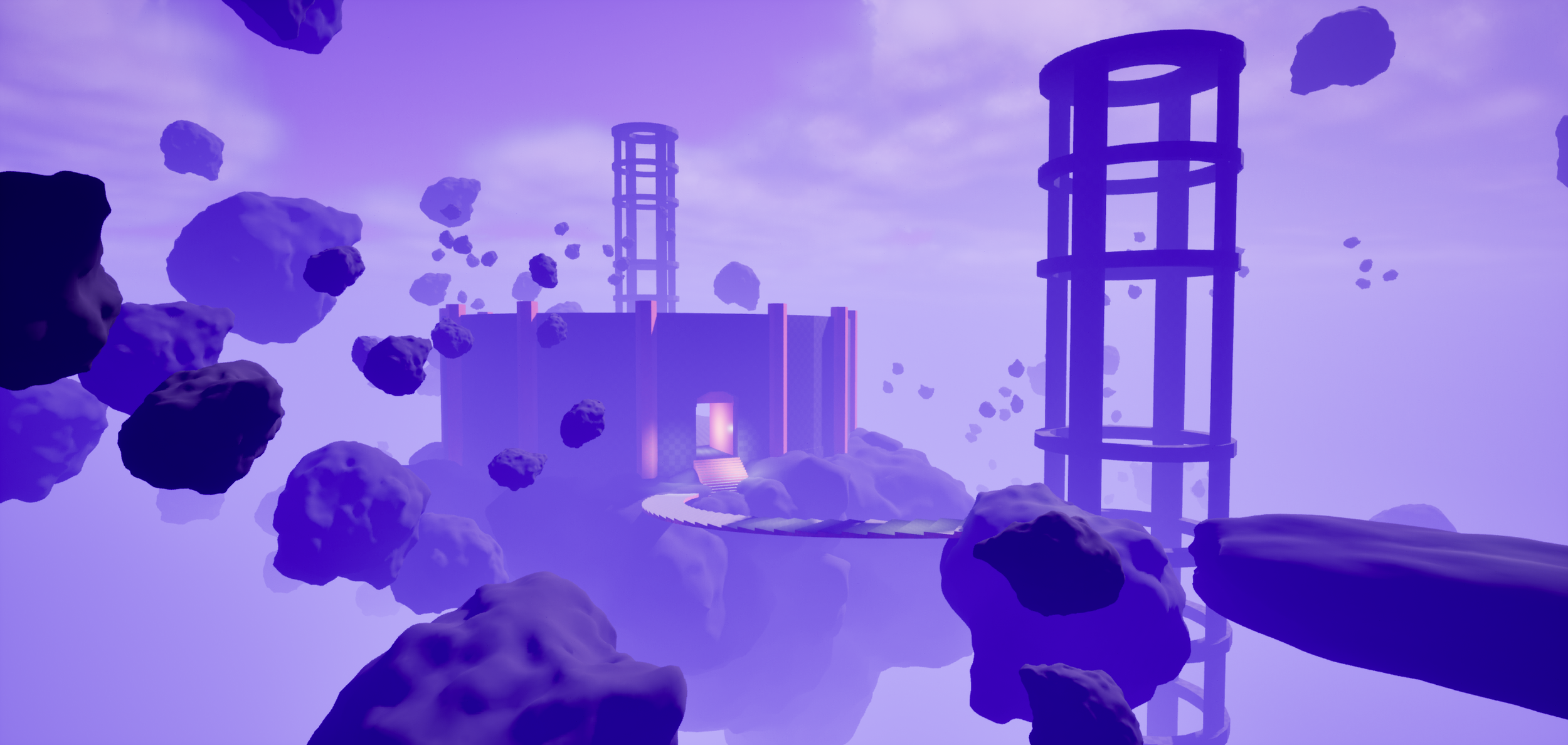
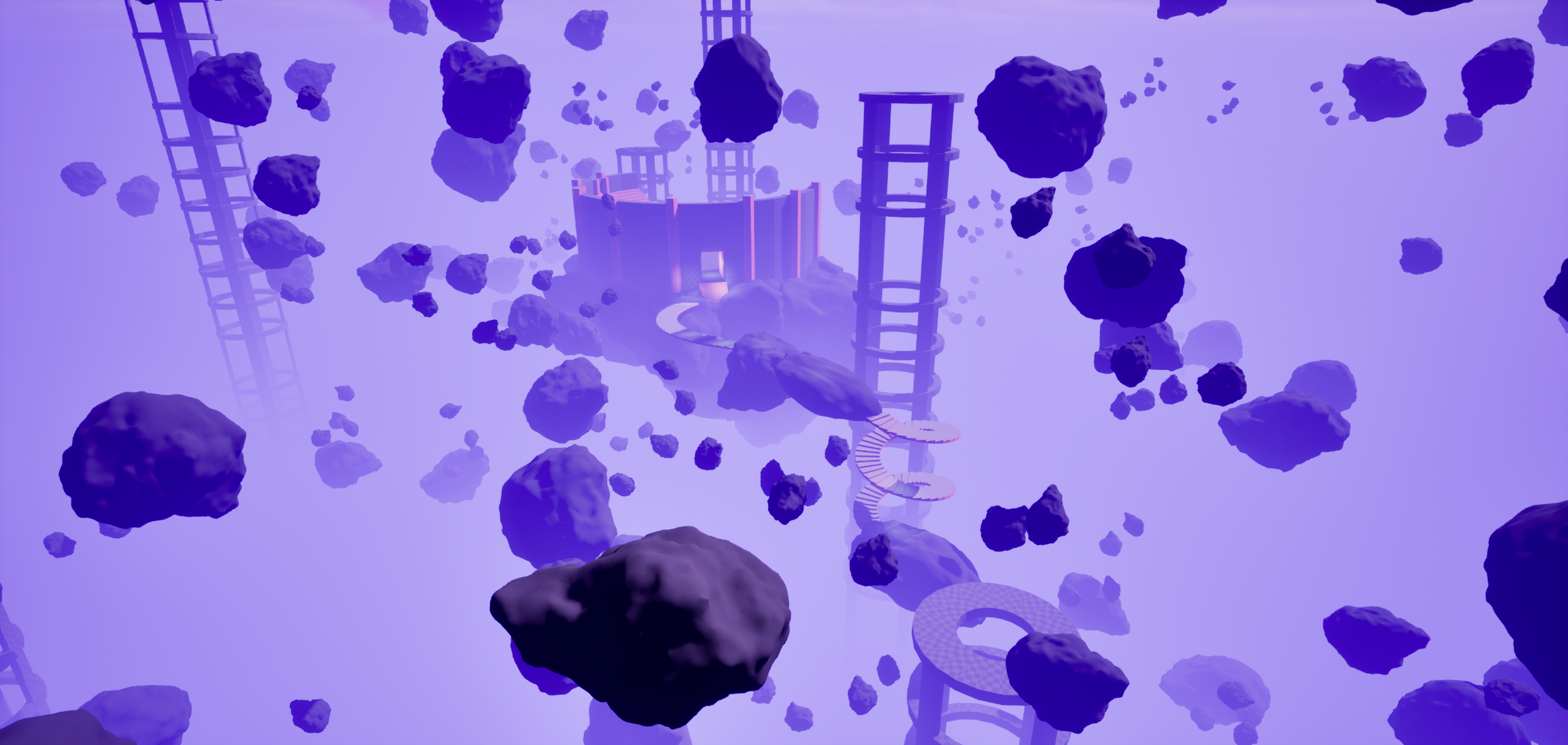
By this point I started to feel quite confident in my ability to use the block-out tools within Unreal, so I started editing the post process and attempting more outlandish ideas that would have taken a bit too long for me to create a few weeks ago. I used some simple BPs in this level for rotating rocks and moving elevators for the player to navigate. Especially compared to level 1 & 2 I started to see some real improvement in my design process.
Level 8
For this level I started to experiment with Unreal Engines terrain sculpting tools. I’ve used them before, but thought I’d try my hand at creating a much wider level block-out than any of my previous levels. I am quite happy with the shape of this one, but it’s quite evident that details and especially subtle movement like wind or grass shifting where you walk is how you get the most out of an environment like this. Such details are hard to find in a quick overview of a area, which really shines on the importance of environmental artists.
Level 9
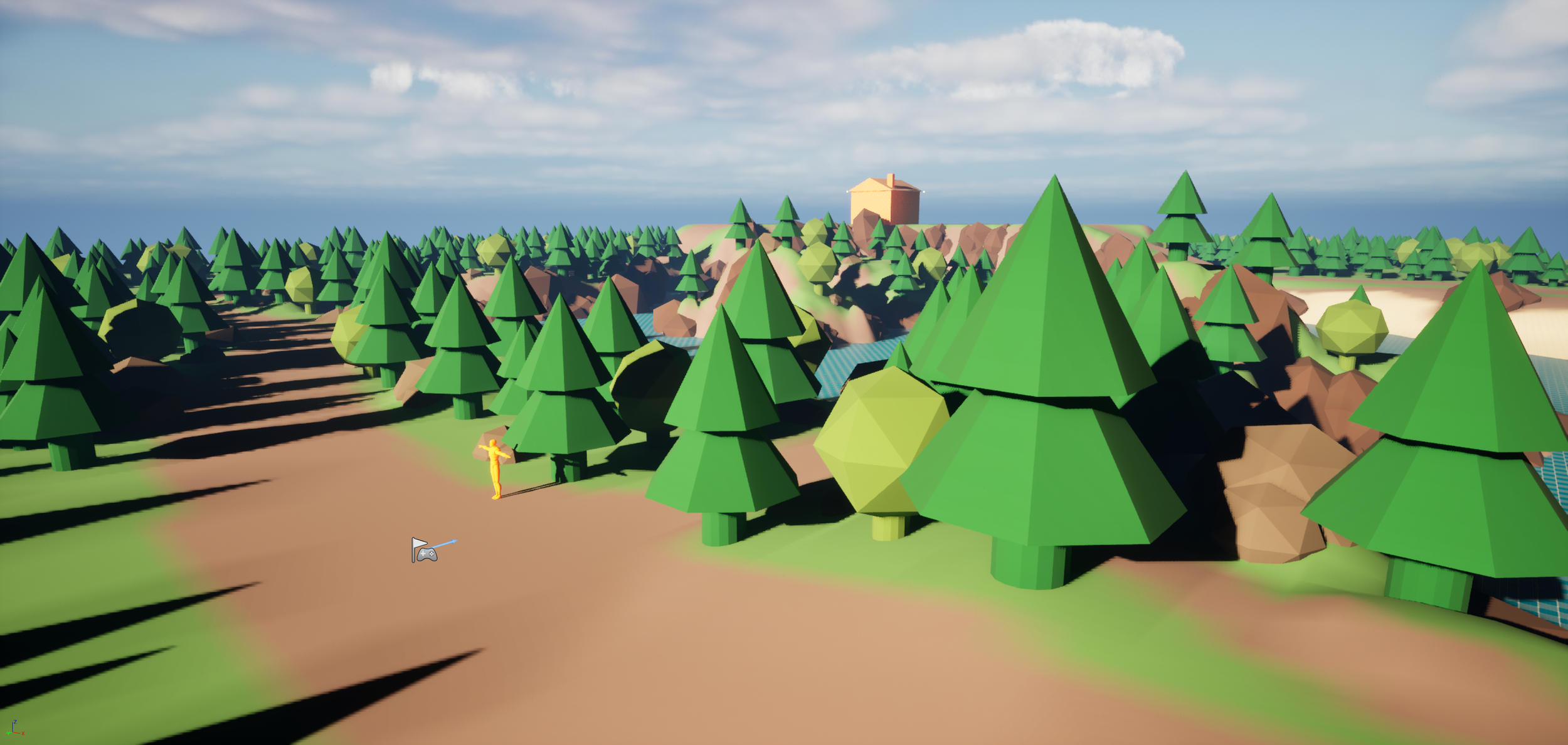
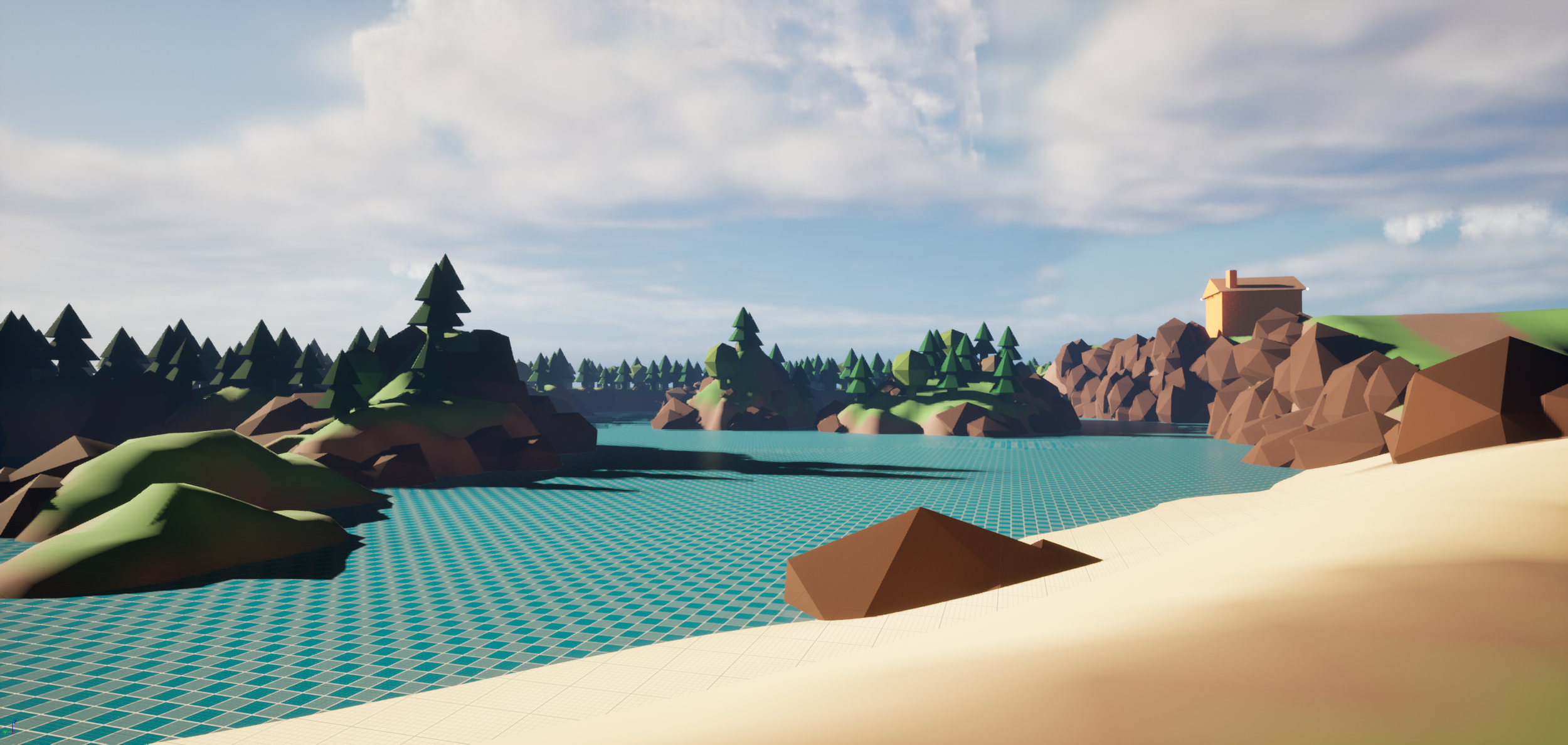
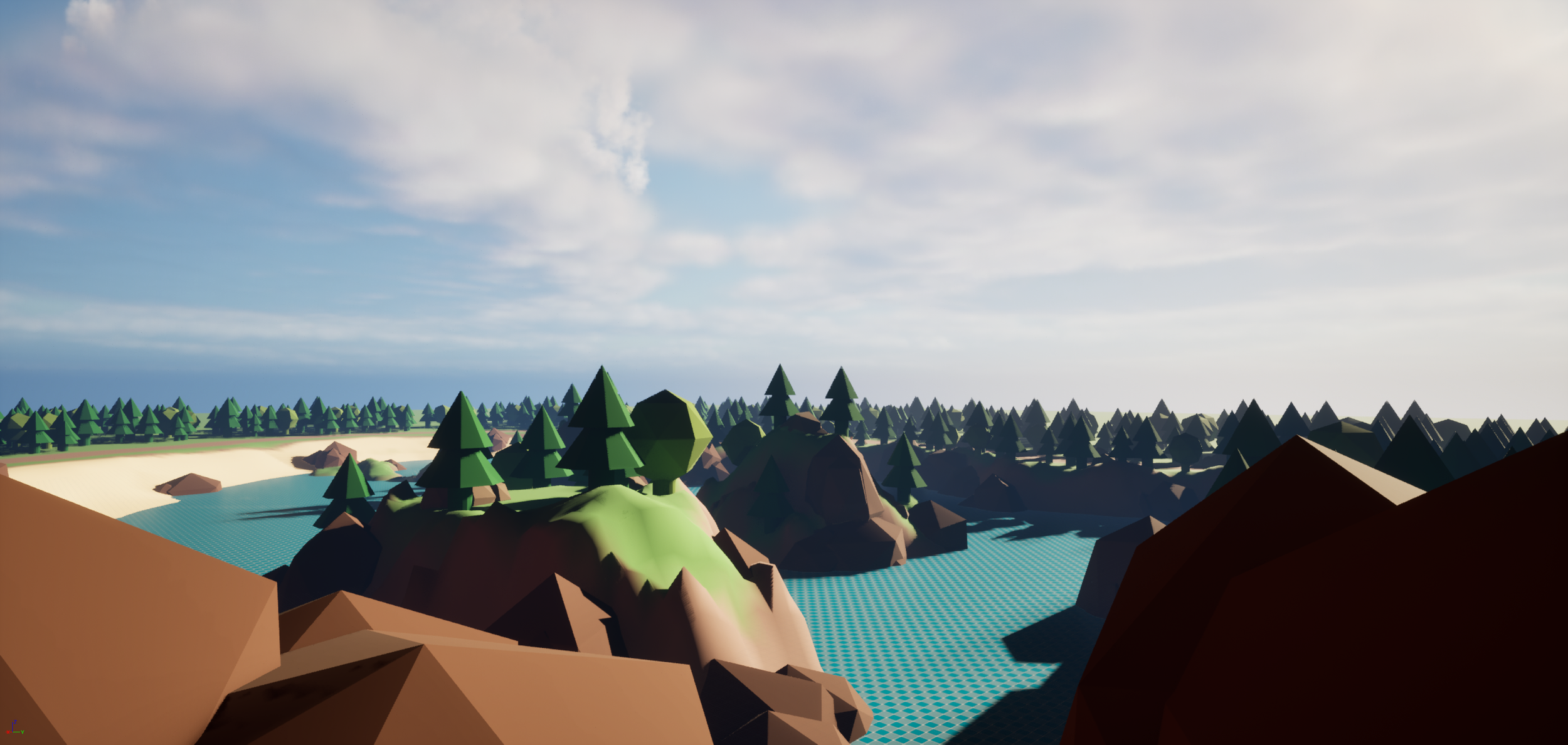
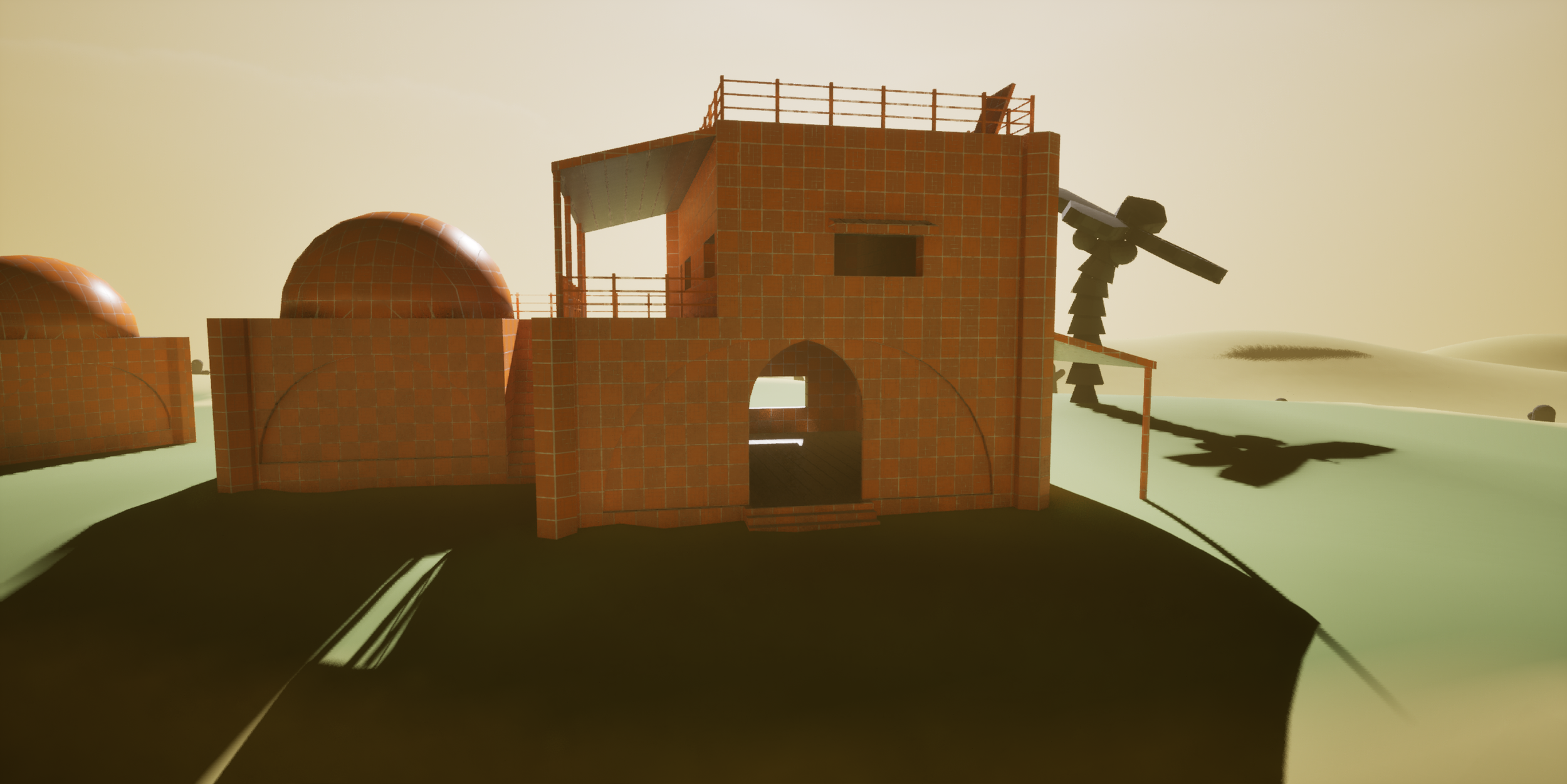
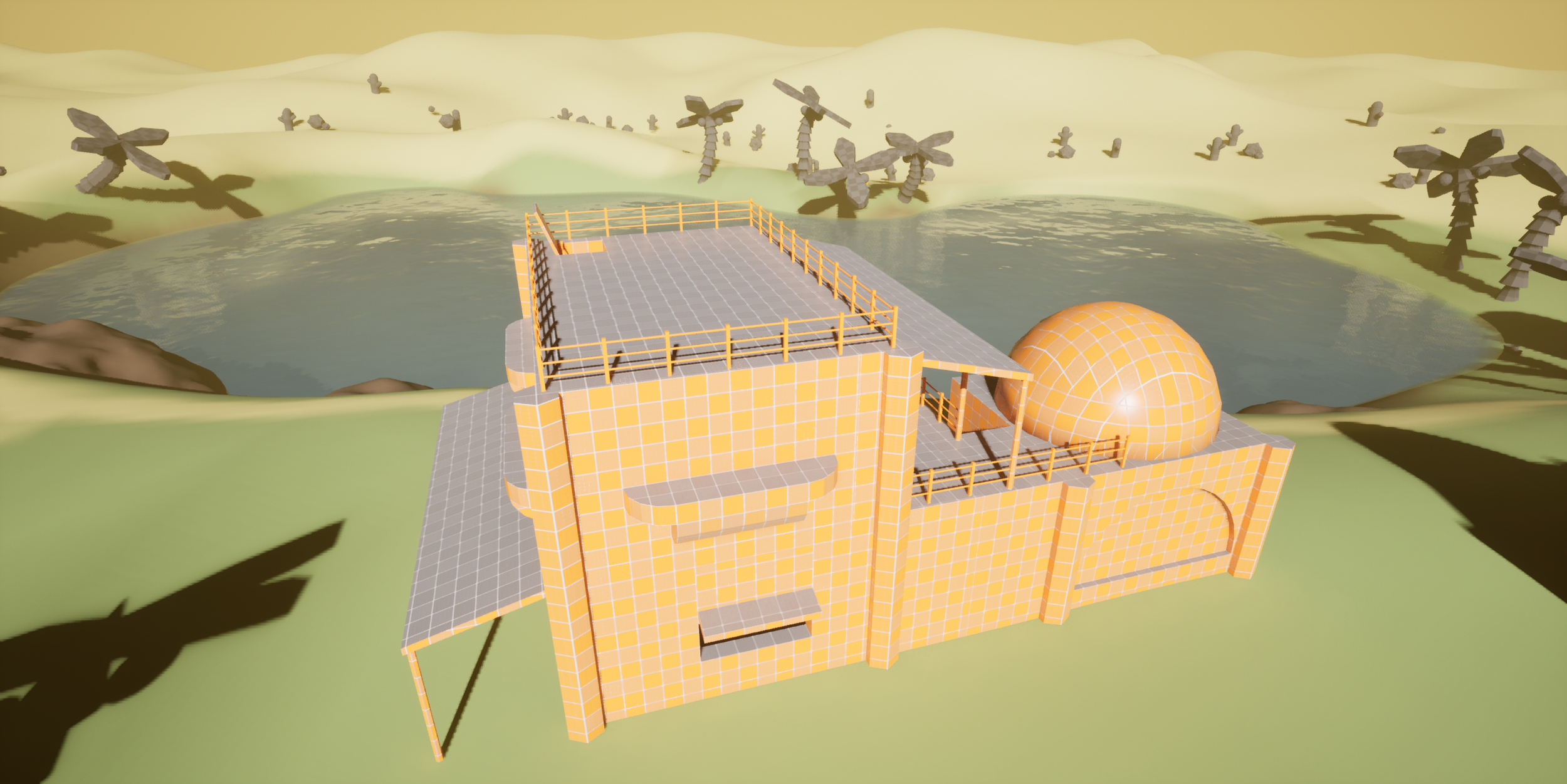
For this level I attempted again to use the terrain tools. I think overall it came out okay, a lot of my focus went towards the starring building, which had a fair bit of detail. I think this one could have used a bit more research to get fully right, with maybe some additional building diversity. It goes to show progress isn’t a complete straight line!
Level 10
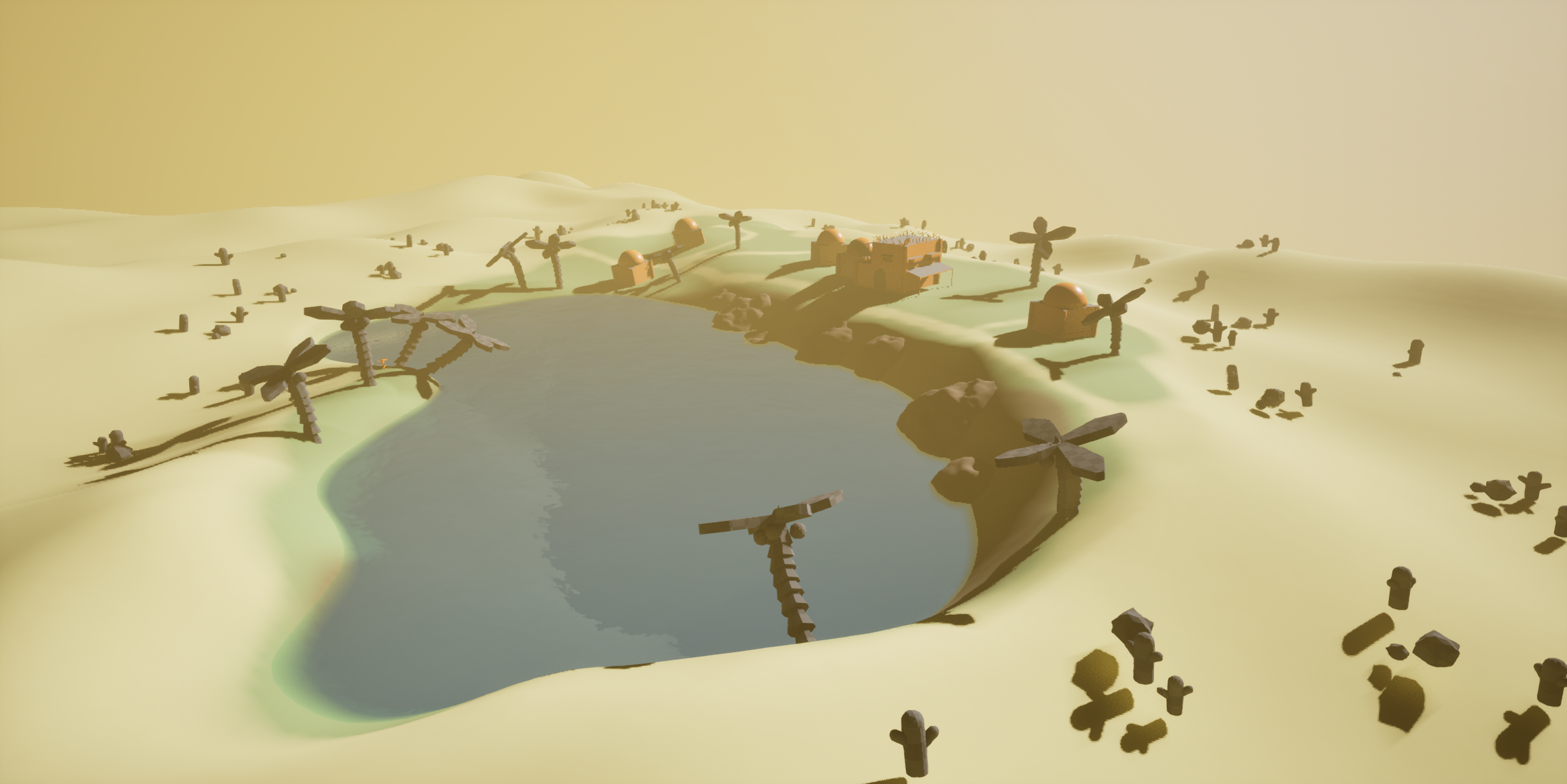
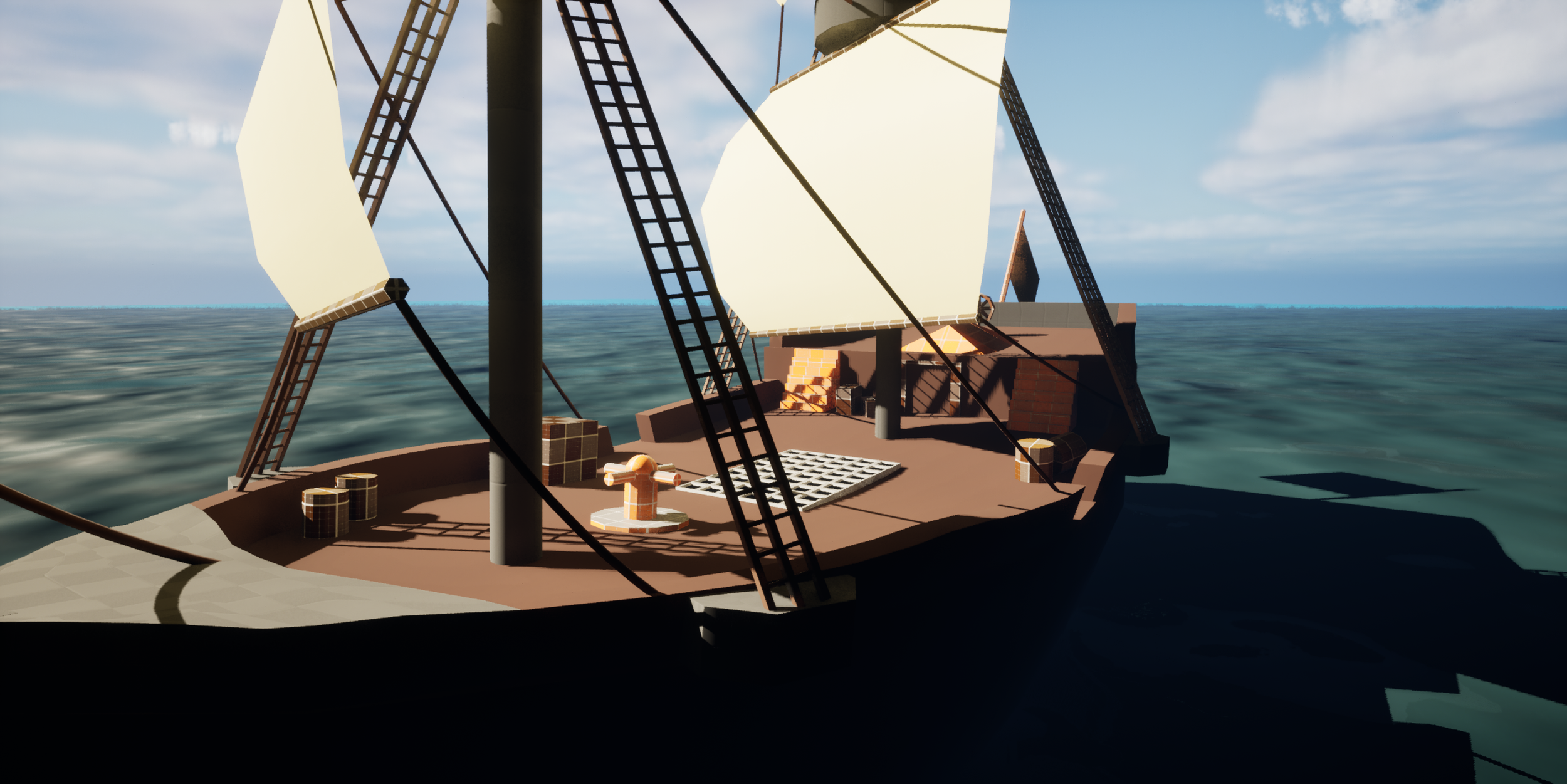
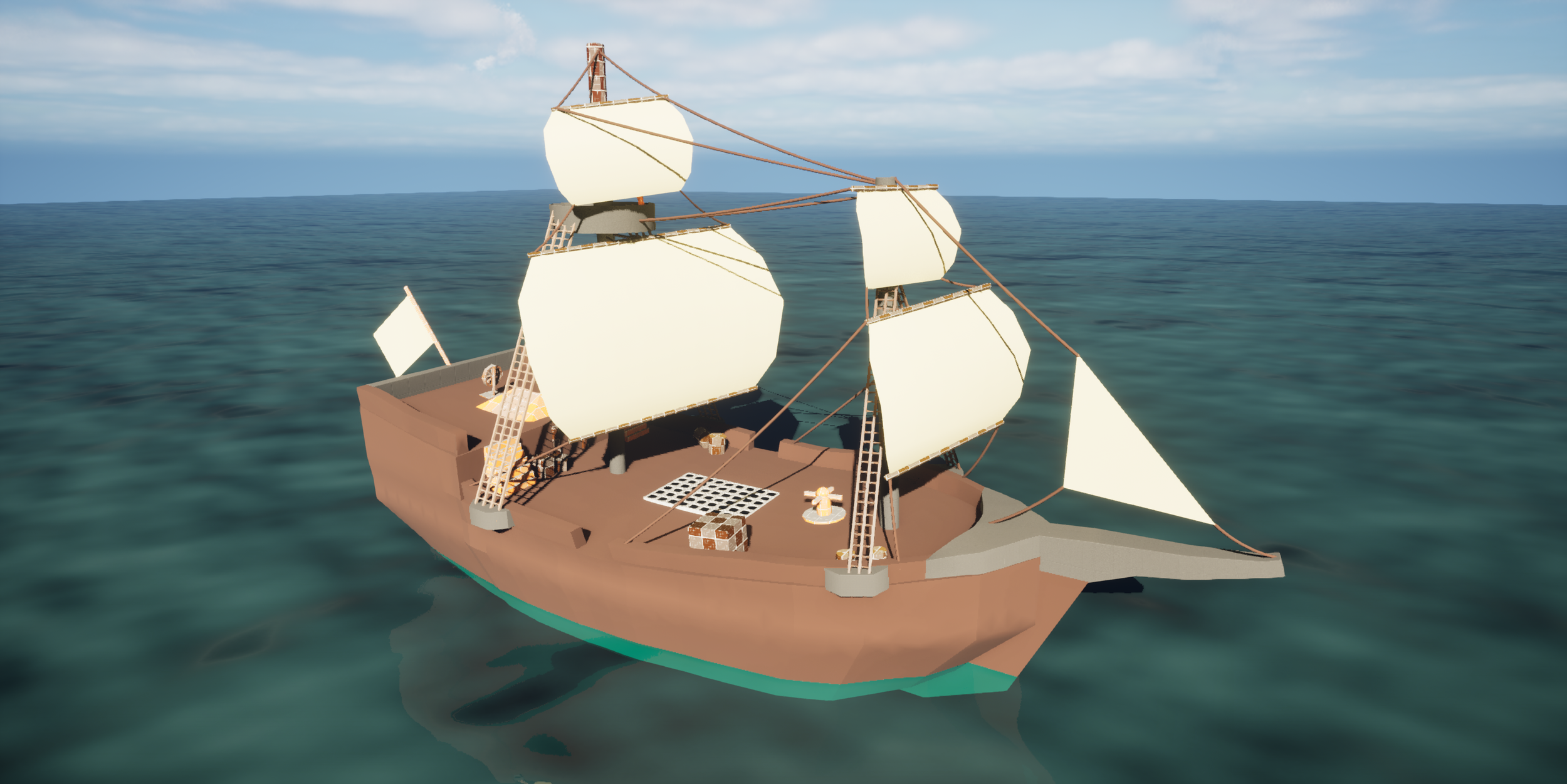
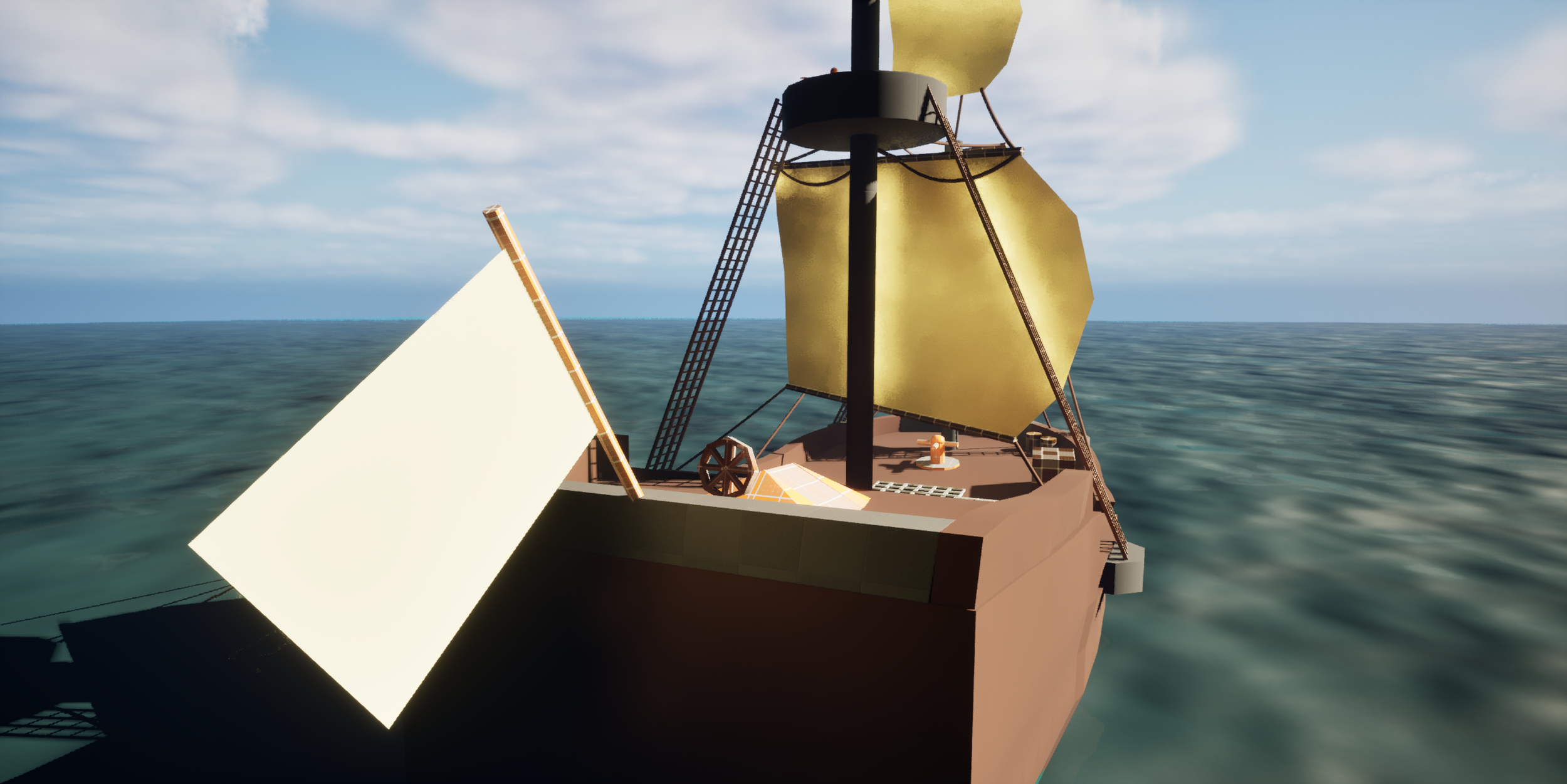
With Blocktober coming towards its end, I wanted to create something with a difficult and unique shape to challenge myself. Something that I couldn’t have made so quickly at the start of the month. So I settled on designing and blocking out a seafaring sloop, the scale of which inspired by the boats you see in Sea of Thieves. The boat itself consists of a couple of different shapes created with Unreals Modelling tools and I made use of ropes and planes to create sails that were visually interesting using reference of real world boats. This one ended up being one of my favourite block-outs, I could see it being a great placeholder asset for gameplay testing purposes.
Level 11
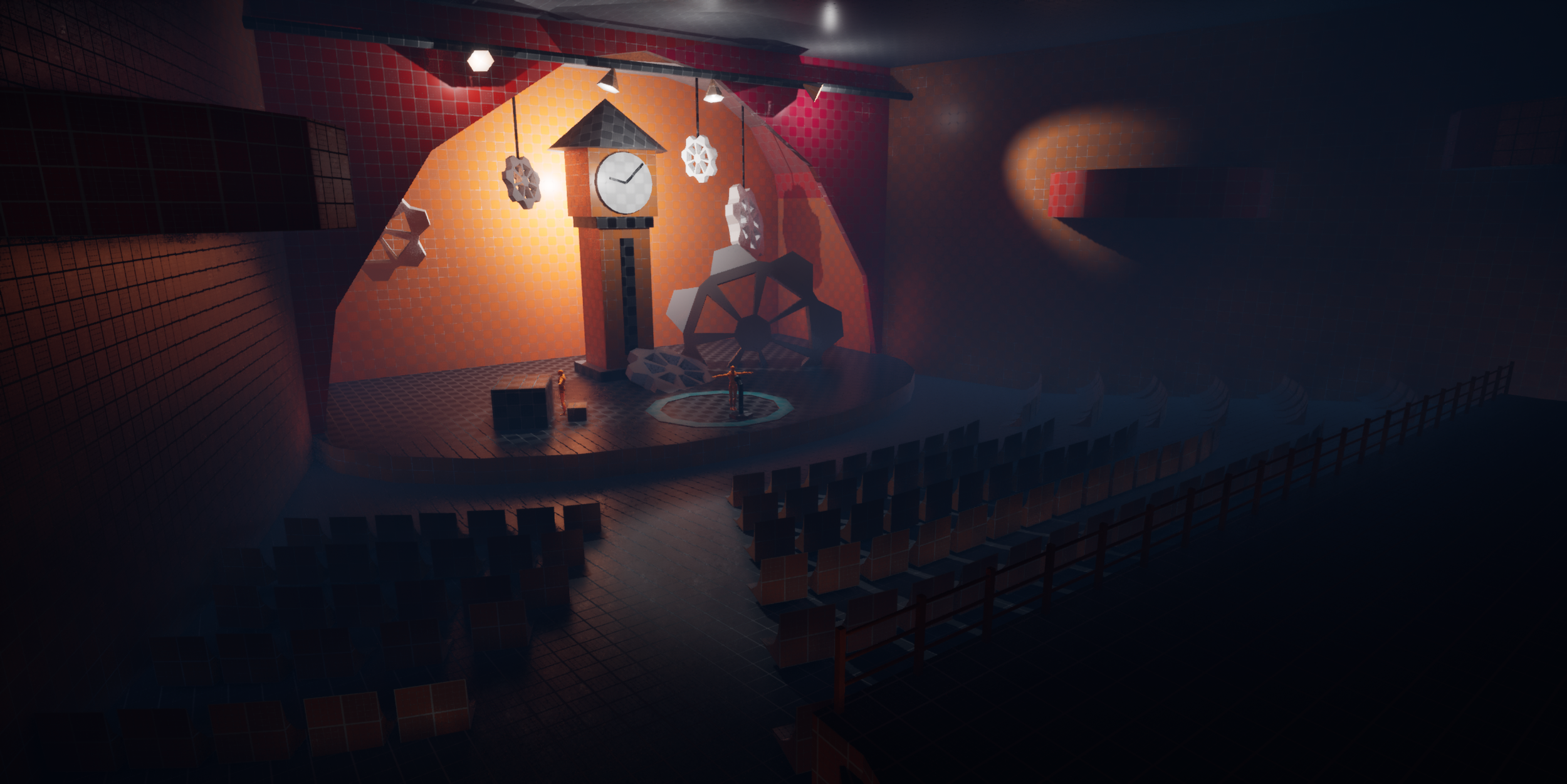
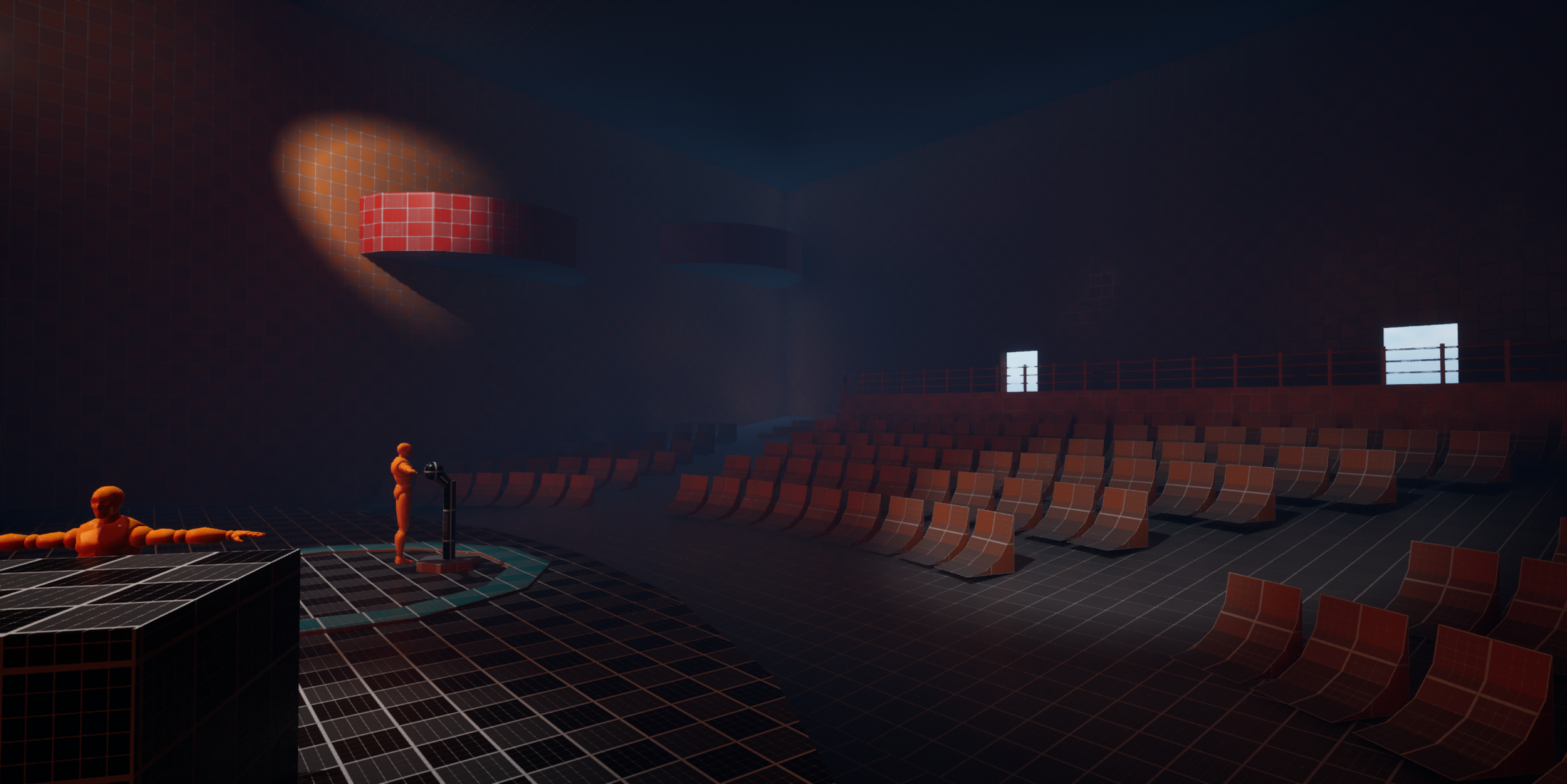
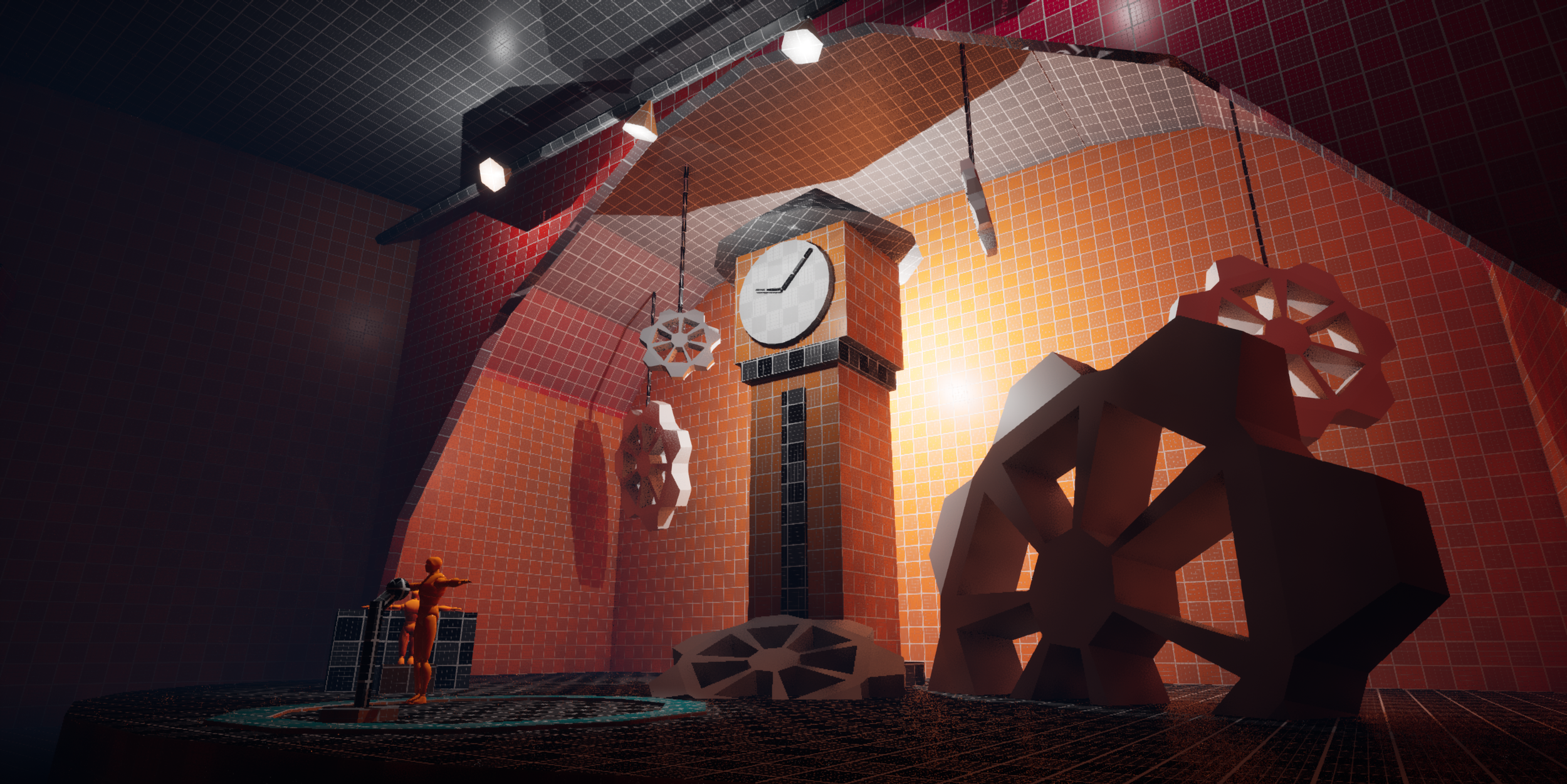
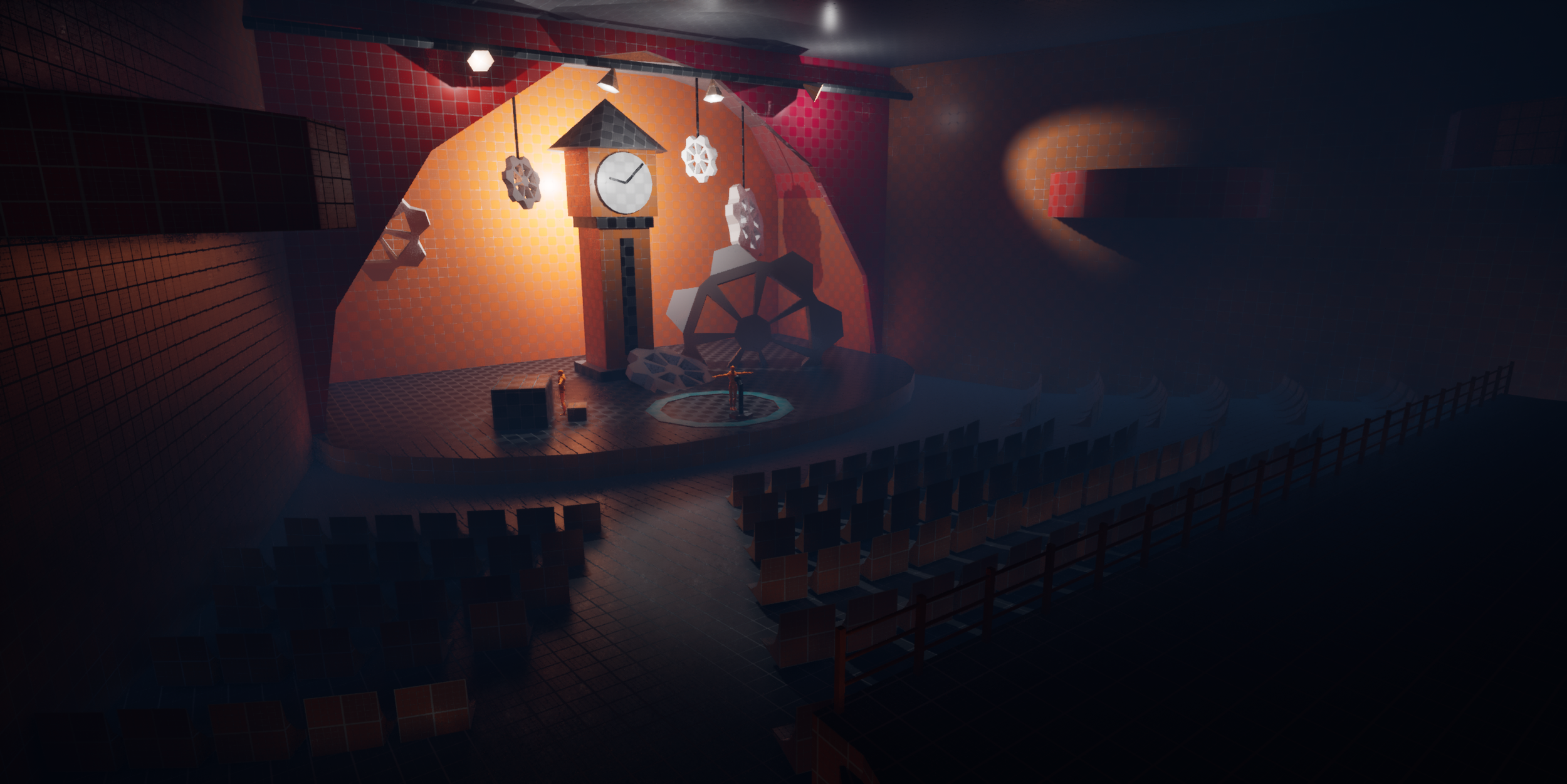
For my final block-out I wanted to design something with a gripping focal point to catch a players eye as soon as they enter the room. So I tried to create a scene that was visually interesting with the support of lighting to draw the player in towards the centre. This is accompanied by the composition of the seats guiding the player towards the centre stage. I very much enjoyed making this one, with Blocktober being wrapped up in a great way!
Overall my ability in block-outs improved a lot after this project, with my understanding in level design improving in subsequent projects, see some of my featured projects for my latest works in that regard!
Level 12